1
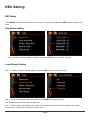
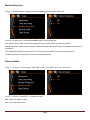
Motion Detection
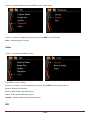
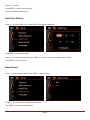
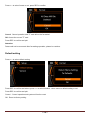
Press < > to select Motion Detection and press REC button to confirm and enter.
Press < > to select On / Off and press REC button to confirm and quit.
The system will not start record automatically and only active record by detect movement.
Motion Detection: Under power on state, camera will start video record only when detected movement in
the picture.
The default Recording time will continue 10 Seconds if there without 2nd movement detected.
Camera will record continuously if movement always detected.
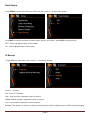
Record Audio
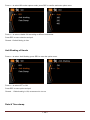
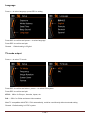
Press < > to select “ Record audio” under REC mode , press REC to confirm and enter.
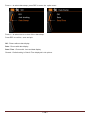
Press < > to select ,press REC to confirm and quit.
Off: Video clip without sound
On:Video clip with sound
~ 14 ~