1
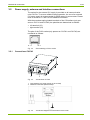
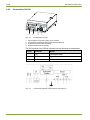
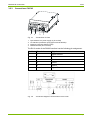
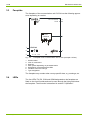
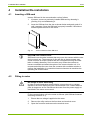
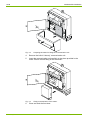
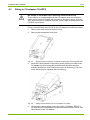
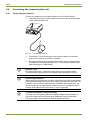
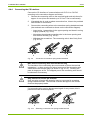
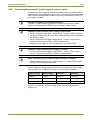
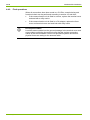
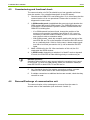
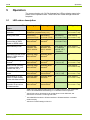
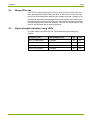
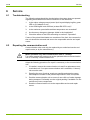
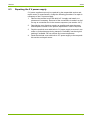
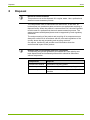
Installation/De-installation 15/38 4 Installation/De-installation 4.1 Inserting a SIM-card Insert a SIM-card in the communication unit as follows: 1. If present, remove a previously installed SIM-card by releasing it (pushing it in) and withdrawing it. 2. Insert the SIM-card into the slot as shown below and gently push it in until it engages. Once the SIM-card is properly inserted, it should not extend beyond the side of the device. Fig. 4.1 4.2 Correct insertion of the SIM-card Keep SIM-card contacts clean SIM-cards have electrical contacts that may come into contact with the user during normal use. The presence of oils and dirt on these contacts may cause corrosion on these contacts that are not apparent during the installation or shortly thereafter. Such corrosion may cause the contacts to become unreliable and affect the option of the communication unit. It is recommended that the user clean the contacts with a suitable solution or perform the installation in a controlled clean environment to maximize the operating life of the modem. Fitting in meter No voltage to meter when fitting In order to avoid hazardous electric shocks, ensure there is no voltage applied to the meter when fitting the communication unit. Contact with live parts is dangerous to life. Disconnect the meter from the power supply as described in the meter user manual. Fit the communication unit in the meter as follows (with SIM-card inserted according to section 4.1): 1. Ensure that no voltage is applied to the meter. 2. Remove the utility seals on the front door and terminal cover. 3. Open the front door and remove the terminal cover. D000043188 en a – E65C – CU-P40, P41, P42 – User Manual © Landis+Gyr