1
Accessing log files across the network
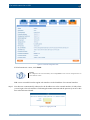
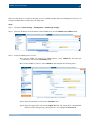
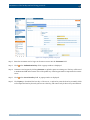
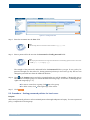
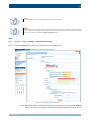
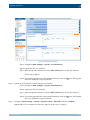
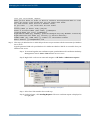
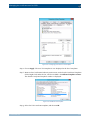
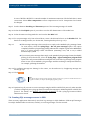
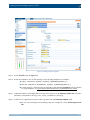
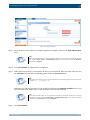
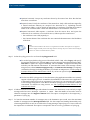
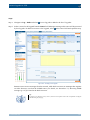
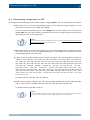
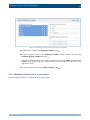
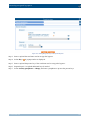
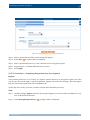
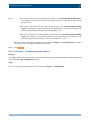
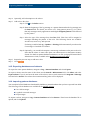
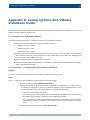
Step 7. Select
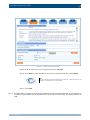
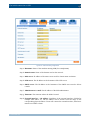
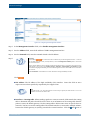
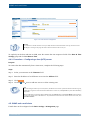
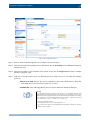
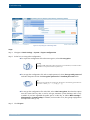
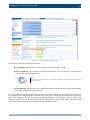
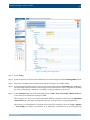
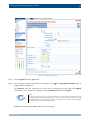
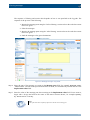
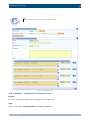
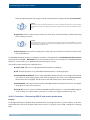
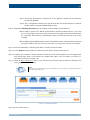
to create a new share policy and enter a name for the policy.
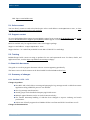
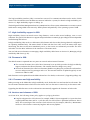
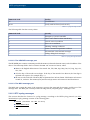
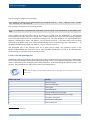
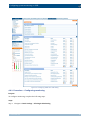
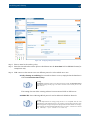
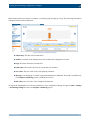
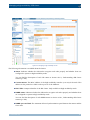
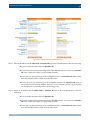
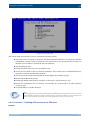
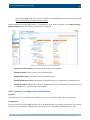
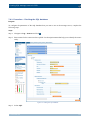
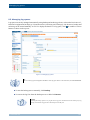
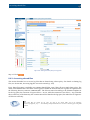
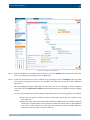
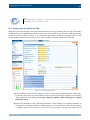
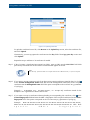
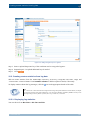
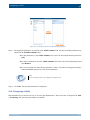
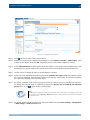
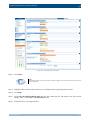
Figure 8.9. Creating share policies
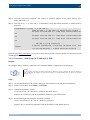
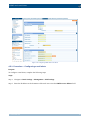
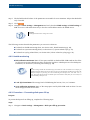
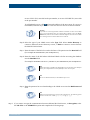
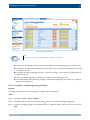
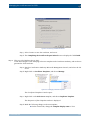
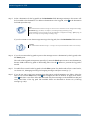
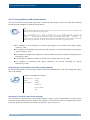
Step 8. Select the type of the network share from the Type field.
■ To access the log files using NFS (Network File System), select NFS.
■ To access the log files using Samba (Server Message Block protocol), select CIFS.
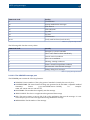
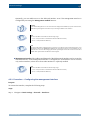
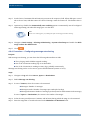
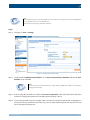
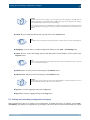
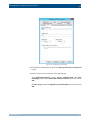
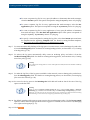
Step 9. If you are using the Samba protocol, you can control which users and hosts can access the shares.
Otherwise, every user with an SSB account has access to every shared log file.
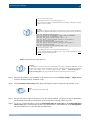
■ To control which users can access the shared files, enter the name of the LDAP group who
can access the files into the Allowed group field. Note that the users and SSB must be
members of the same domain.
■ To limit the hosts from where the shares can be accessed, create a hostlist and select it from
the Hostlist field. For details on creating hostlists, see Section 6.8, Creating hostlist
policies (p. 122).
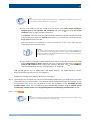
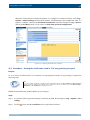
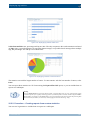
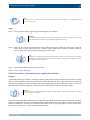
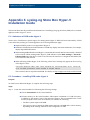
Step 10. Click
.
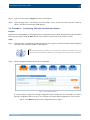
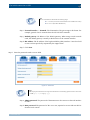
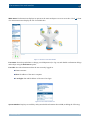
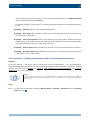
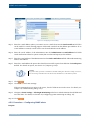
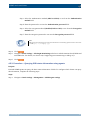
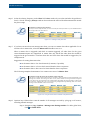
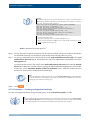
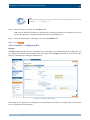
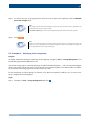
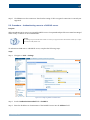
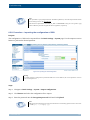
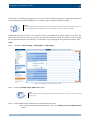
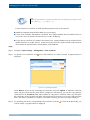
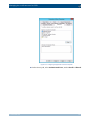
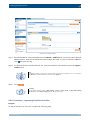
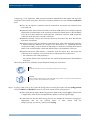
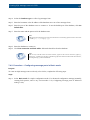
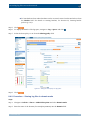
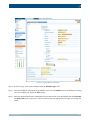
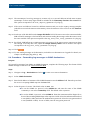
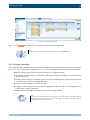
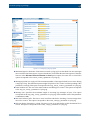
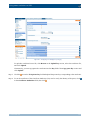
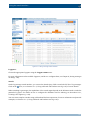
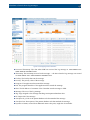
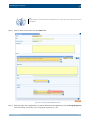
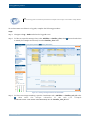
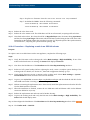
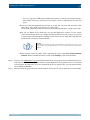
Step 11. To display the details of the log space, navigate to Log > Spaces and click .
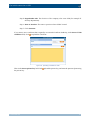
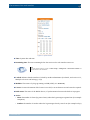
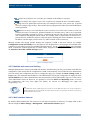
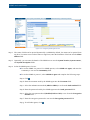
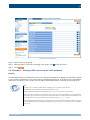
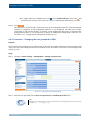
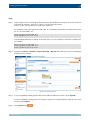
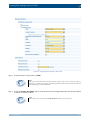
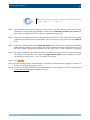
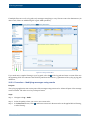
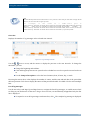
Step 12. Select the share policy to use from the Sharing policy field.
www.balabit.com
154