1
Configuring system monitoring on SSB
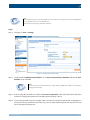
Note
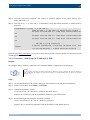
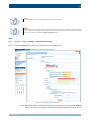
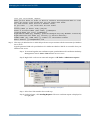
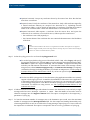
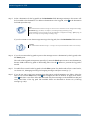
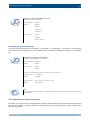
SSB accepts passwords that are not longer than 150 characters. The following special characters can be used:
!"#$%&'()*+,-./:;<=>?@[\]^-`{|}
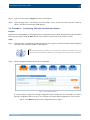
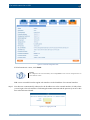
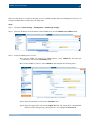
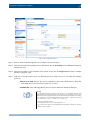
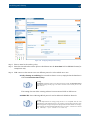
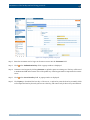
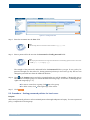
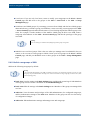
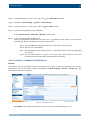
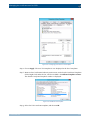
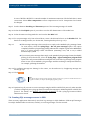
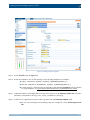
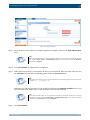
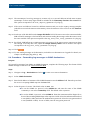
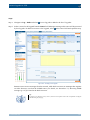
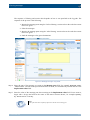
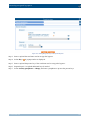
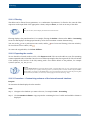
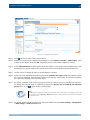
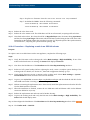
Step 5. Click
.
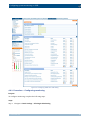
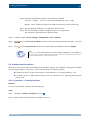
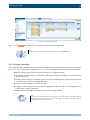
4.6. Configuring system monitoring on SSB
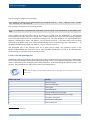
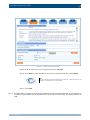
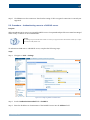
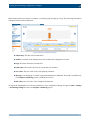
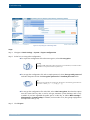
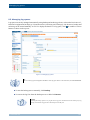
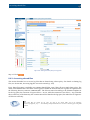
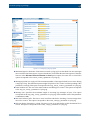
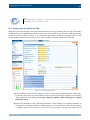
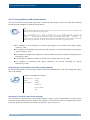
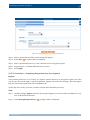
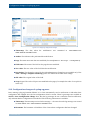
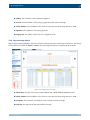
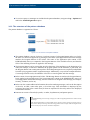
SSB continuously monitors a number of parameters of the SSB hardware and its environment. If a parameter
reaches a critical level (set in its respective Maximum field), SSB sends e-mail and SNMP messages to alert
the administrator.
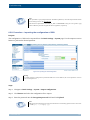
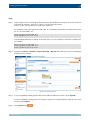
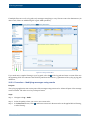
SSB sends SNMP alerts using the management network interface by default, or using the external interface if
the management interface is disabled. SSB supports the SNMPv2c and SNMPv3 protocols. The SNMP server
set on the Management tab can query status information from SSB.
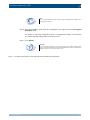
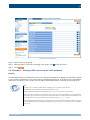
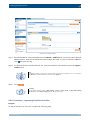
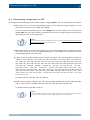
Tip
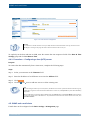
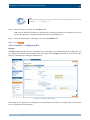
To have your central monitoring system recognize the SNMP alerts sent by SSB, select Basic Settings > Alerting &
Monitoring > Download MIBs to download the SSB-specific Management Information Base (MIB), then import it into
your monitoring system.
www.balabit.com
47