1
System related traps
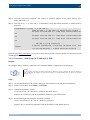
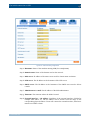
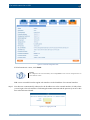
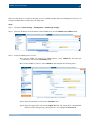
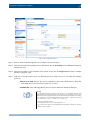
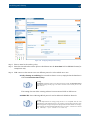
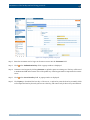
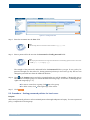
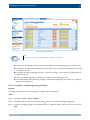
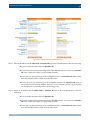
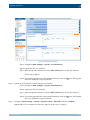
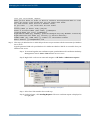
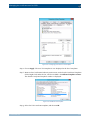
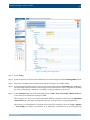
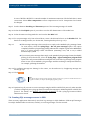
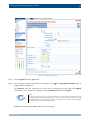
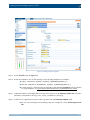
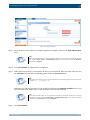
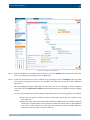
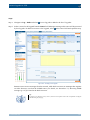
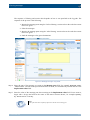
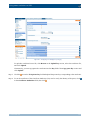
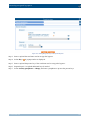
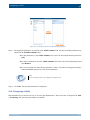
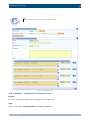
Step b. Select the time period (between 5 minutes and 24 hours) during which the range is to
be measured.
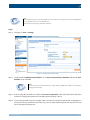
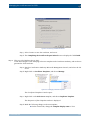
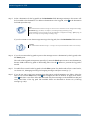
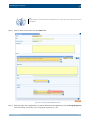
Step c. Enter the range that is considered normal in the Minimum and Maximum fields.
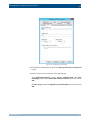
Step d. Select the alerting frequency in the Alert field. Once sends only one alert (and after
the problem is fixed, a "Fixed" message), Always sends an alert each time the result
of the measurement falls outside the preset range.
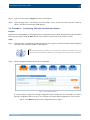
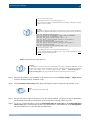
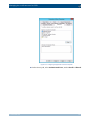
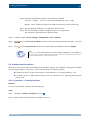
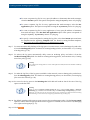
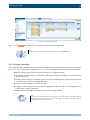
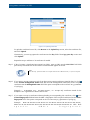
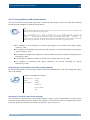
Step e. To set the alert as a system-wide master alert, select Global master alert. It will
suppress all other log rate alerts on SSB when it is triggered.
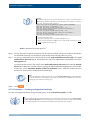
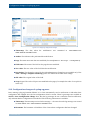
Note
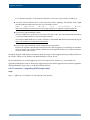
In the following cases, a so-called "always"-type super-master alert is triggered
automatically.
If all or some of the statistics from syslog-ng cannot be fetched, an alert is sent out and
all other errors are suppressed until the error is fixed.
If, for some reason, syslog-ng sends an unprocessable amount of statistics (for example
because of some invalid input data), a similar super-master alert is triggered and stops
processing the input.
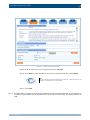
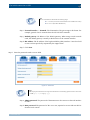
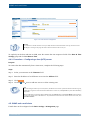
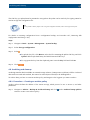
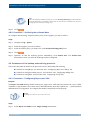
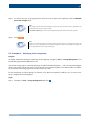
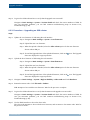
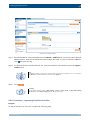
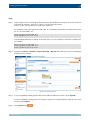
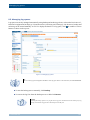
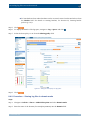
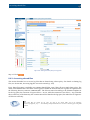
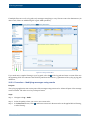
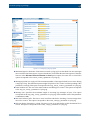
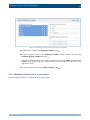
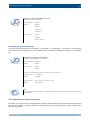
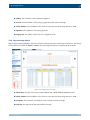
Step 9. Optional step: Navigate to Log > Options > Message rate alerting statistics. Set the maximum
number of alerts you want to receive in Limit of alerts sent out in a batch to prevent alert flooding.
SSB will send alerts up to the predefined value and then one single alert stating that too many message
alerts were generated and the excess amount have not been sent.
Warning
Hazard of data loss! The alerts over the predefined limit will be unreachable.
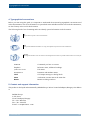
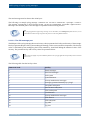
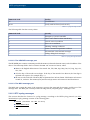
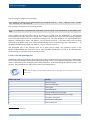
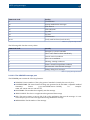
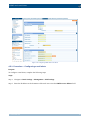
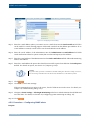
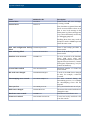
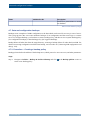
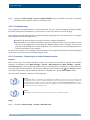
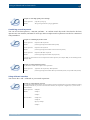
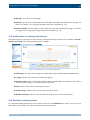
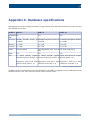
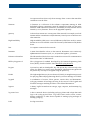
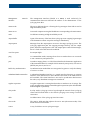
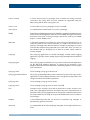
4.6.5. System related traps
Name
SNMP alert ID
Description
Login failed
xcbLoginFailure
Failed login attempts from SSB web
interface.
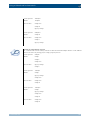
Successful login
xcbLogin
Successful login attempts into SSB
web interface.
Logout from the management xcbLogout
interface
Logouts from SSB web interface.
Configuration changed
Any modification
configuration.
www.balabit.com
xcbConfigChange
of
SSB's
52