1
Communication with Mitsubishi controllers
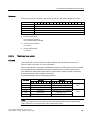
5.4 User data areas
5.4.3.8
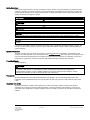
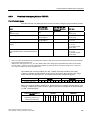
"Data mailbox" area pointer
"Data mailbox" area pointer
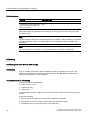
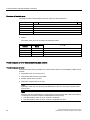
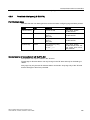
Function
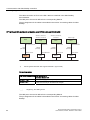
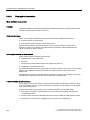
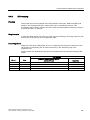
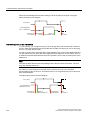
When data records are transferred between the HMI device and PLC, both partners access
common communications areas on the PLC.
Data transfer types
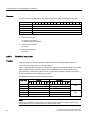
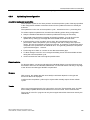
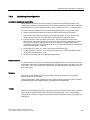
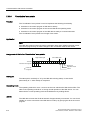
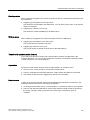
There are two ways of transferring data records between the HMI device and PLC:
● Transfer without synchronization
● Transfer with synchronization over the data record
Data records are always transferred directly. That is, the tag values are read from an
address or written to an address configured for this tag directly, without redirecting the
values by means of interim memory.
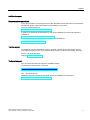
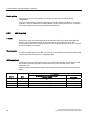
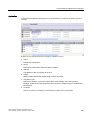
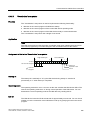
Initiating the transfer of data records
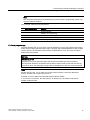
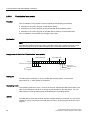
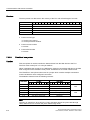
There are three ways of triggering the transfer:
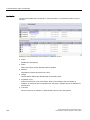
● Operator input in the recipe view
● PLC jobs
The transfer of data records can also be triggered by the PLC.
● Triggering by configured functions
If the transfer of data records is triggered by a configured function or by a PLC job, the recipe
display on the HMI device remains operable. The data records are transferred in the
background.
Simultaneous processing of several transfer requests is, however, not possible. In this case,
the HMI device rejects the other transfer requests with a system alarm.
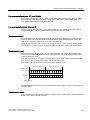
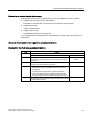
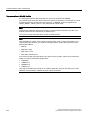
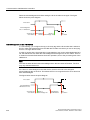
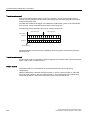
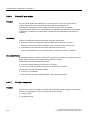
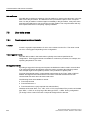
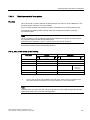
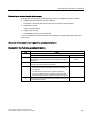
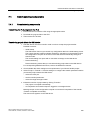
Transfer without synchronization
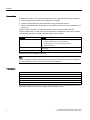
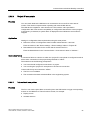
If you select asynchronous transfer of data records between the HMI device and PLC, there
is no coordination over the common data areas. It is therefore unnecessary to set up a data
area during configuration.
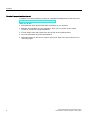
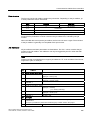
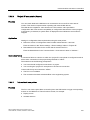
Asynchronous data record transfer can be a useful alternative, for example, when:
● The system is capable of excluding the risk of uncontrolled overwriting of data by the
communication peer.
● The PLC does not require information about the recipe number and data record number.
● The transfer of data records is triggered by the operator of the HMI device.
226
WinCC flexible 2008 Communication Part 2
User's Manual, 07/2008, 6AV6691-1CA01-3AB0