1
Disassembly/Assembly
4.3
MPCB
1.
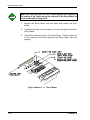
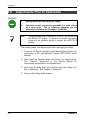
Power must be disconnected.
2.
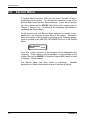
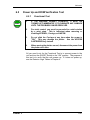
Integrated circuits can be weakened or inactivated by
electrical discharge.
It is recommended that you be
grounded to a static station by an ESD wrist strap to prevent
ESD damage. For storage or shipment of printed circuit
boards, anti-static bags are highly recommended.
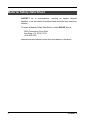
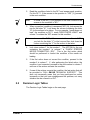
WARNING
NOTE
Note:
Remove any extra SIMMS that have been installed if you are
shipping the MPCB for servicing or replacement.
4.3.1
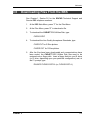
Removing the MPCB
To remove the MPCB:
5-16
1.
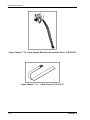
Put on an ESD wrist strap.
2.
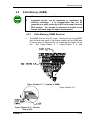
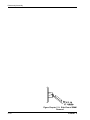
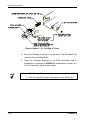
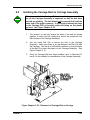
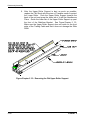
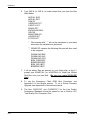
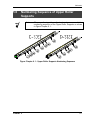
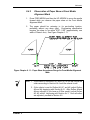
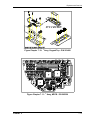
Use a #2 6” Phillips screwdriver to remove the three screws
holding the MPCB onto the side plate. The screws are located to
the right of J1, to the left of JP4, and to the right of JP1. See
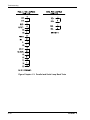
Figure Chapter 5 .6. Hold the top of the MPCB while removing the
screws.
3.
Place the MPCB in an ESD bag (anti-static bag) in preparation for
shipment to ENCAD for replacement or repair, or if it is to be
stored for repair at your facility.
CADJET 2