1
·
Date of storage - date and time the suspected file was detected and
removed to the Virus Vault
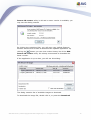
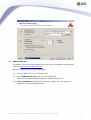
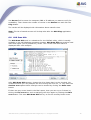
The following control buttons are accessible from the Virus Vault interface:
·
Restore - removes the infected file back to its original location on your disk
·
Restore As - in case you decide to move the detected infectious object from
the Virus Vault to a selected folder, use this button The suspicious and
detected object will be saved with its original name. If the original name is
not known, the standard name will be used.
·
Delete - removes the infected file from the Virus Vault completely
·
Send to analysis - sends the suspected file for deep analysis to the AVG
virus labs
·
Empty Vault - deletes all stored virus samples.
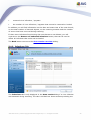
4.3.3. Event history log
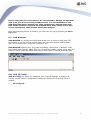
Accessible through the upper menu History/Event History Log.
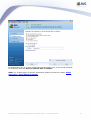
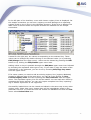
Within this section you can find a summary of important events that occurred
during AVG operation.
Event History Log records the following types of events:
·
Information about updates of AVG
·
Test start, end or stop (including automatically performed tests)
·
Events connected with virus detection (by scanning) including occurrence
location
·
Other important events
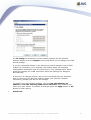
Pressing the Empty list button will allow you to delete the history log. To view the
most up to date records, use the Refresh list button.
4.4. Menu Tools
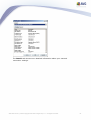
This menu contains the following items:
·
Scan Computer - starts the complete scan of your computer. For more
information refer to chapter Scans Overview.
AVG Rescue CD © 2009 Copyright AVG Technologies CZ, s.r.o. All rights reserved.
48