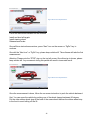
1
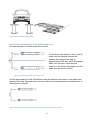
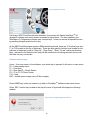
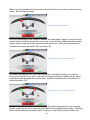
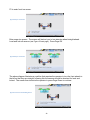
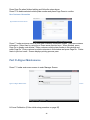
Figure 43 Run out Compensation 3
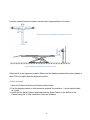
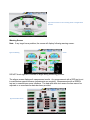
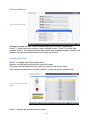
When the wheel is close to 45 degree, a clock tick will be shown. It will enter a short red zone
then long green zone. After the clock turns blue, a stop sign will come up to the screen. The
software will measure the second position.
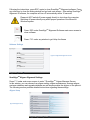
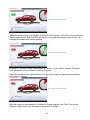
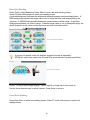
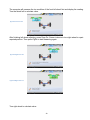
Figure 44 Run out Compensation 4
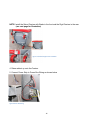
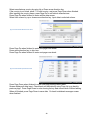
Once the 2nd position is taken, the software will instruct to push vehicle forward. The same
clock will appear once the vehicle is back at 0 degree.
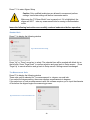
Note: Since you have the rubber wheel stop in the front of one tire, the vehicle should stop
very close to 0 degree.
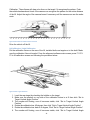
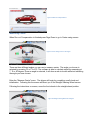
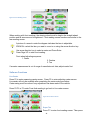
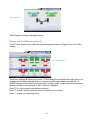
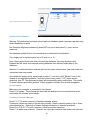
Figure 45 Run out Compensation 5
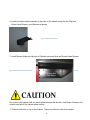
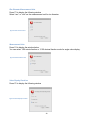
After the vehicle is rolled backed to 0 degree or original position, click “Next” icon on the
screen or “PgDn” key on the keyboard to continue to next step.
36