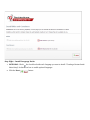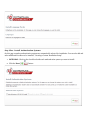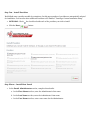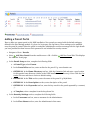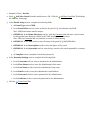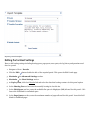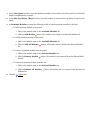
1
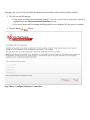
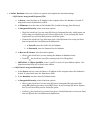
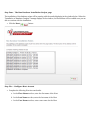
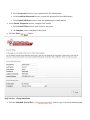
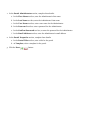
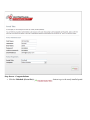
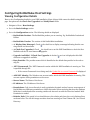
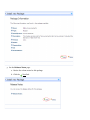
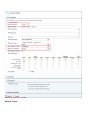
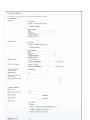
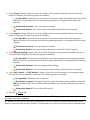
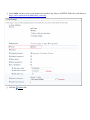
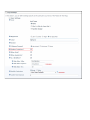
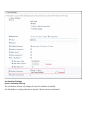
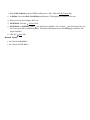
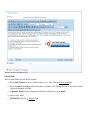
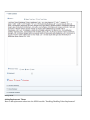
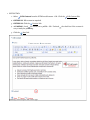
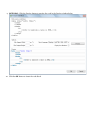
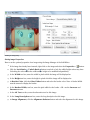
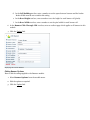
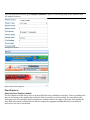
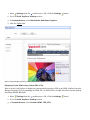
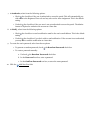
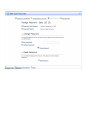
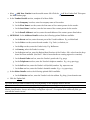
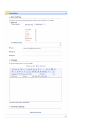
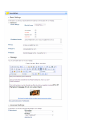
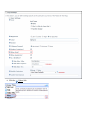
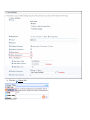
1. In the Name/Title text box, enter the name or title to be applied to the site. This will show in visitors
browser window titles.
2. In the Description text box, enter description to be applied to the site. This will be the description that
Internet search engines will display to visitors. The site must be submitted to these search engines.
3. In the KeyWords text box, enter keywords to be applied to the site. This will be what the Internet search
engines look for if you choose to submit your site to them.
4. At Logo, select or upload a logo. See the Common Tools > Link Control for more details.
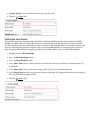
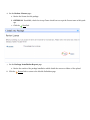
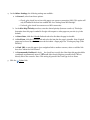
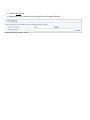
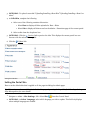
5. Click the
Finish link. A message reading "If you changed the skin for your site, it should change when
you leave this page" is displayed.
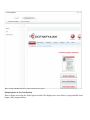
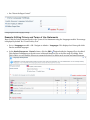
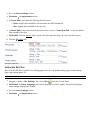
6. Click on the Home page to view any skin or module changes and to view any new pages or modules added
using a template.