1
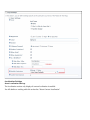
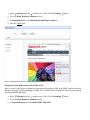
The Module title
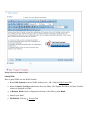
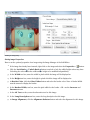
Setting Module Tags
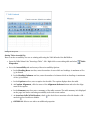
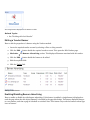
How to associate one or more tags with a module.
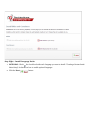
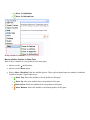
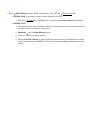
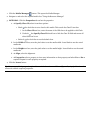
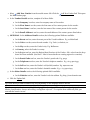
1. Select
Settings from the
module menu - OR - Click the Settings
button.
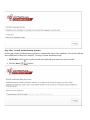
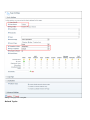
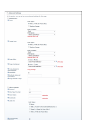
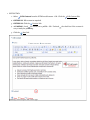
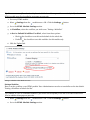
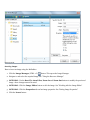
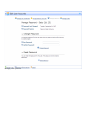
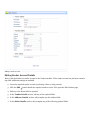
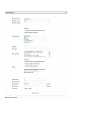
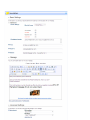
2. Go to the Module Settings - Basic Settings section.
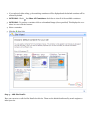
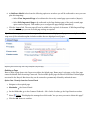
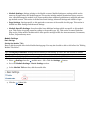
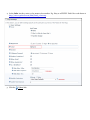
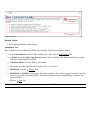
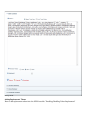
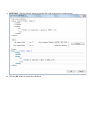
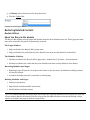
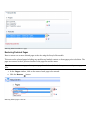
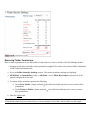
3. At Tags, select one or more tags to be associated with this page. Page tagging is a way of categorizing content for more meaningful search results. Note: Tags can be created by users (See "Tagging Page Content")
or editors (See "Creating a Vocabulary").
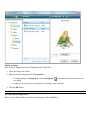
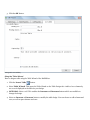
4. Click the
Update link.
Setting Module Permissions
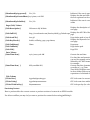
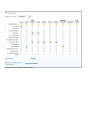
How to set permissions to view and edit a module. Permission can be granted or denied for a role or for an
individual user. Additional permission types are available on some modules such as the Events module.
Only available in DotNetNuke Professional Edition
Fine grain management of modules is available In Professional Edition by providing these additional settings:
Delete, Import, Export, Manage Settings, and Full Control.
1. Select
Settings from the
module menu - OR - Click the Settings
button.
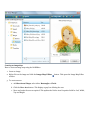
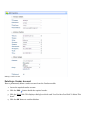
2. Go to the Module Settings - Basic Settings section.
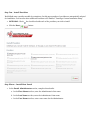
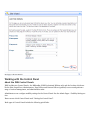
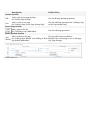
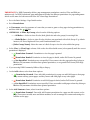
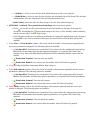
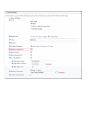
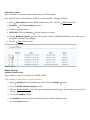
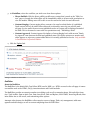
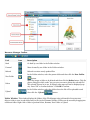
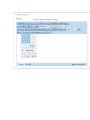
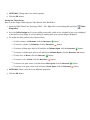
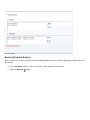
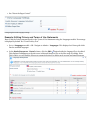
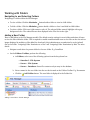
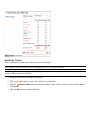
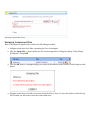
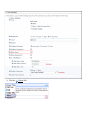
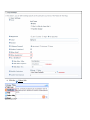
3. Go to the Permissions field and select from the following options.
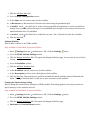
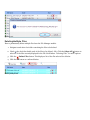
4. OPTIONAL. In the Username text box, enter the username of a user to whom you wish to grant or deny
module permissions, and then click the
Add link. Repeat for additional usernames.
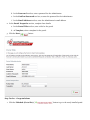
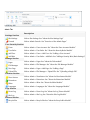
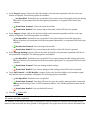
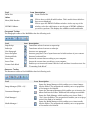
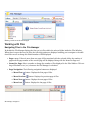
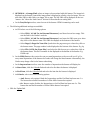
5. OPTIONAL. At Filter By Group, select from the following options: