1
Reference
Section 5: Setting Up the System
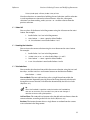
4.
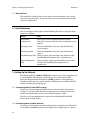
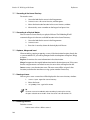
Either launch a new show or join a running show.
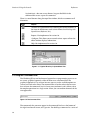
Also, you will need to set the Port Number of the DMX Processors according to the
show they are being used on. See Setting the Port Number (Reference, 5.4.1).
5.4 Working with DMX Processors
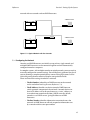
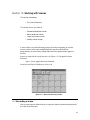
DMX Processors are connected to the console via the network, and each provide
four DMX universes. An DMX Processor needs mains power at any voltage
between 100 and 240V AC.
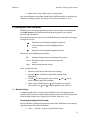
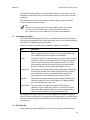
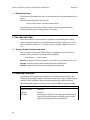
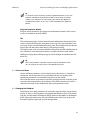
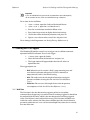
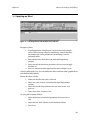
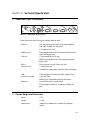
The front panel keys give you access to the DMX Processor’s functions. To navigate
through the screens:
Move the cursor through the options backwards.
Select the option currently highlighted by the
cursor.
Move the cursor through the options forwards.
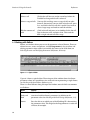
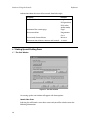
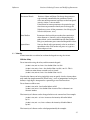
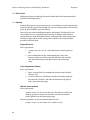
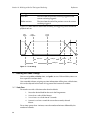
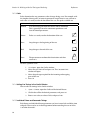
The menus use the following conventions:
OK
Confirm changes and return to the previous screen.
Cancel Abandon changes and return to the previous
screen.
Close
Return to the previous screen.
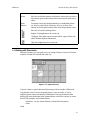
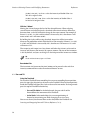
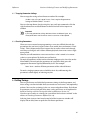
To set a numerical value:
1.
Move the cursor to the value you want to change.
2.
Press the
key, and the first digit of the number will be
highlighted.
3.
Use the
key to change the value, and the
select a different digit of the number.
4.
When you have finished, press
until no digits are selected.
You can then use
and
to select options in the usual way.
and
keys to
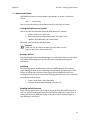
5.4.1 Network Settings
A simple network of just a console and an DMX Processor will configure itself
automatically. If you have a more complex network, you may need to change some
of the network settings. See Configuring the Network (Reference, 5.3.3).
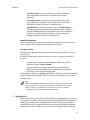
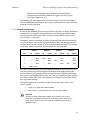
Checking and Setting the Net Number
The Net Number is displayed on the main screen of the DMX Processor in the top
right hand corner. To set the Net Number:
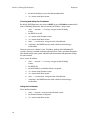
1.
Main −→ Network : navigate to the Network screen.
27