1
4.2
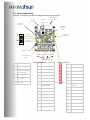
System settings (Available for all plug-ins)
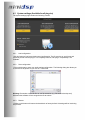
The system settings page contains the following controls.
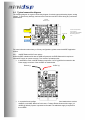
4.2.1 Load configuration:
Use this feature to load a previously saved configuration. The file must be as .xml format and
previously saved from this plug-in. For complexity reasons, inter-plug-in compatibility is not
available.
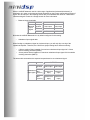
4.2.2 Save configuration
Click on this button to save your audio settings configuration. The following dialog box allows you
to save the file anywhere on your PC as a .xml format.
Warning: Remember to save the file as .xml file extension. (e.g. file saved as backup.xml)
Otherwise the software will not recognize the file at restore.
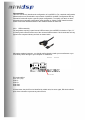
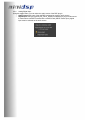
4.2.3 Restore
Clicking on this button will restore the board back to factory default. All settings will be lost during
this process.