1
S7 Version 4.90
4
April 2015
System Description
4.1.1
Push Button
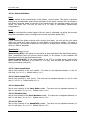
The Rotary switch also has a push button function. LXNAV S7 can detect short or long press
of push button, in most cases short press confirms action, long press cancels action or exits
from the menu Short press means just a click, long press means pushing button for more
than one second.
4.1.1.1 Power Button
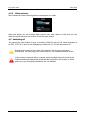
The system is powered up using push button. A long press system will turn the S7 off.
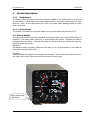
4.2 Rotary Switch
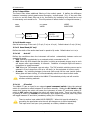
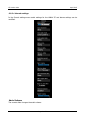
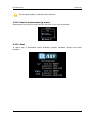
The one rotary switch/knob with integrated pushbutton function can control all functions on
LXNAV S7. The rotary switch moves up or down through the menus. Variables can also be
changed using the switch. Pushing the button at the same time as rotating will step the
values in larger increments.
Example 1:
Set elevation menu; normally, values are with step 1m. If you push button in and rotate at
same time, the step will be 10m.
Example 2:
Entering password; Up/Down the numbers are changed. If you press and rotate, the cursor
will move left or right. Short press will move cursor one step right.
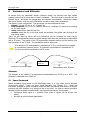
Rotary switch with
push button
Page 9 of 49