1
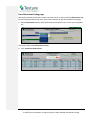
Assign the contract
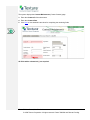
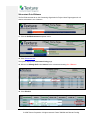
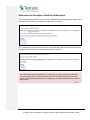
1. Enter any portion of the organization name.
2. Click Find.
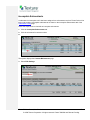
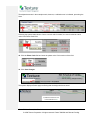
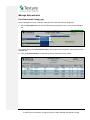
Locate the Subcontractor’s name in the list provided. The system displays up to 100 “matches” –
enter more information to narrow the search or less to widen it.
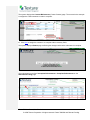
3. Click the name of the organization to select it.
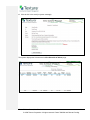
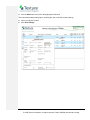
The search results dialog closes and the Organization field is populated with the selected
Subcontractor’s information.
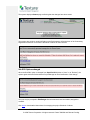
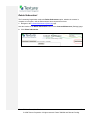
If you find you have selected the wrong organization, repeat steps 1 through 3 above to change the
name.
Textura™ User Manual, Confidential
© 2009 Textura Corporation. All rights reserved. Patent 7490064 and Patents Pending.
7