1
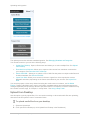
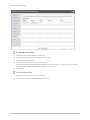
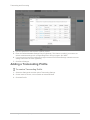
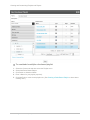
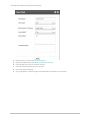
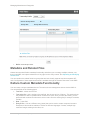
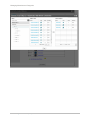
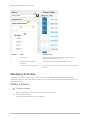
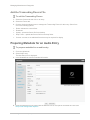
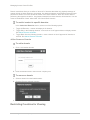
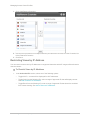
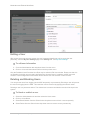
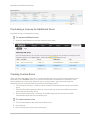
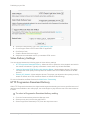
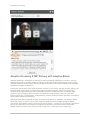
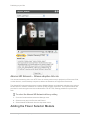
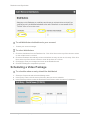
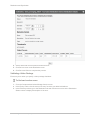
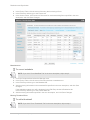
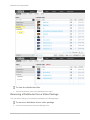
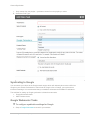
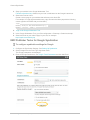
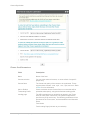
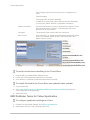
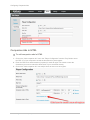
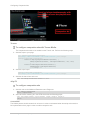
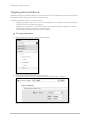
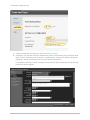
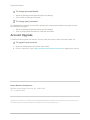
Managing Access Control Profiles Domain restrictions allow you to define a “white list” of domains that allow only playback attempts of content placed on these domains to be granted. Any playback attempt via the Kaltura Dynamic Player placed on a domain not on this list will be denied. In the same manner a “black list” can be defined performing the opposite constraint. Any playback attempt from these domains will be denied. You can create a combination of both “white listed” and “black listed” domains. To restrict content to specific domains. In the Authorized Domains section, select one of the following options: Toggle All Domains – content will display in all domains. Toggle Only in the following domains - enter a site or list of approved sites to display content. See Add or Remove a Domain. Toggle Block from the following domains - enter a domain or list of approved of domains to exclude. See Add or Remove a Domain. Add or Remove a Domain To add a domain 1. Click + Add another domain. 2. Enter the domain name in the format of company.com To remove a domain 1. Select a domain from the listed domains. 2. Click the Remove selected domains. 3. Click Yes. Restricting Countries for Viewing Kaltura Management Console (KMC) User Manual 81