1
3.01 Customer Account Screen
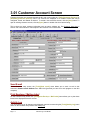
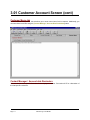
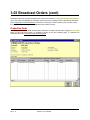
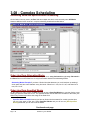
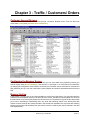
Customer Accounts are accessed through the NL main menu under the [Traffic][Customer Browser] or
[AcctsRec][Customer Browser] menu. The accounts are displayed on a browser screen that can be
configured, sorted, and filtered as desired. To create a new customer account, click the [New] button. To
open an existing customer account, click the [Open] button or double click the customer listing.
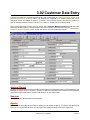
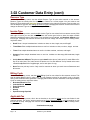
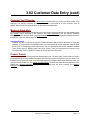
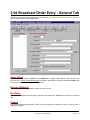
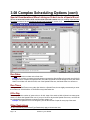
This is where you enter customer information such as name, address, etc. See Customer data entry in
section 3.02 of this manual for a description of the customer account data fields.
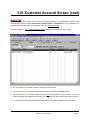
Send E-mail
On the Customer entry screen, the [Tools][Send e-mail] menu allows you to send a e-mail to this
customer's Contact e-mail Address from within NL8 [provided you have an e-mail program on the NL8
computer)
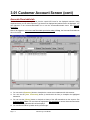
Print Envelope / Mailing Label
On the Customer entry screen, the [Tools][Print Envelope / Mail Label] menu allows you to print these
items for the displayed customer account.
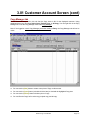
Activity Log
You can view the log of all changes to the displayed customer account using the [Tools][Activity Log] menu
choice on the Customer entry screen. See Activity Log
Page 3-2
Natural Log User Manual