1
09PhBook-kg.fm Page 83 Wednesday, November 3, 2004 9:37 PM
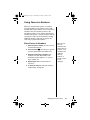
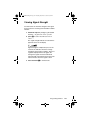
Using One-Touch Dialing
One-touch dialing enables you to place calls
instantly. You can choose to dial the phone numbers
in the first nine memory locations in either your SIM
memory, phone memory, or your fixed dial list. You
choose which type of memory you want to be active
with this feature.
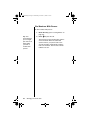
Set Up One-Touch Dialing
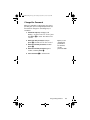
To set the active memory for one-touch dialing:
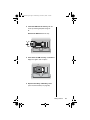
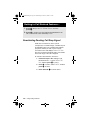
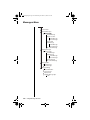
1. Follow the steps in “Getting to Phone Book
Features...” to get to One-Touch Dial Setting,
and then press O to select.
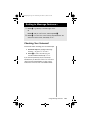
2. Press M to scroll through To Phone Memory, To
SIM Card Memory, or To Fixed Dial List, and
then press O to select the displayed option.
You will see Completed.
3. Press and hold C to exit the menu.
Managing the Phone Book
83