1
12PhSetup-kg.fm Page 145 Wednesday, November 3, 2004 9:38 PM
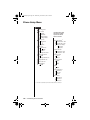
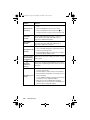
Getting to Phone Status...
1. Press M until you see Phone Setup, and then press O.
2. Press M to scroll to Phone Status, and then press O.
3. Press M to scroll to one of the features described below.
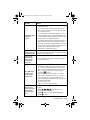
Clear All Stored Information
The master clear feature resets the same items as
master reset, plus the following:
•
clear phone book entries from phone memory
(not from SIM memory)
•
clear last calls made and received lists
•
reset resettable call timers
Master clear does not clear the:
•
fixed dial list
•
my number(s) list
•
received messages list
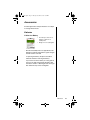
To clear all settings:
1. Follow the steps in “Getting to Phone
Status...” to get to Master Clear, and then
press O to select. You will see Enter
Security Code.
2. Enter your six-digit security code.You will
see Reset Complete.
3. Press and hold C to exit the menu.
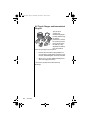
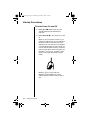
Tip: The
factory default
security code is
000000.
Customizing Phone Features
145