1
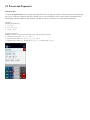
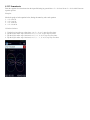
2.14 Complex Numbers
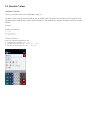
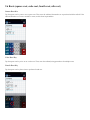
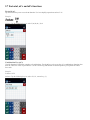
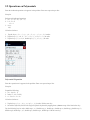
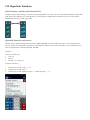
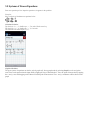
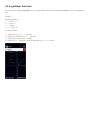
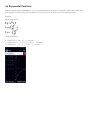
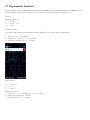
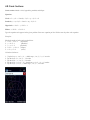
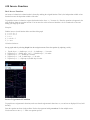
Imaginary Number Key (i)
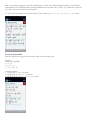
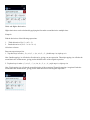
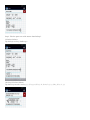
Other keys available on this button: Re, Im, conj, arg.
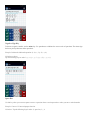
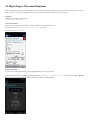
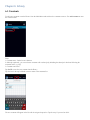
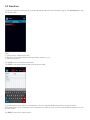
Tap the i key once to use the imaginary number (i) key. Use this key when performing operations on complex numbers.
Examples:
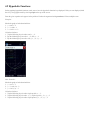
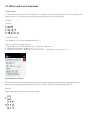
Simplify the following:
1. (2 – 3i) + (6 + 4i)
2. (2 – 3i) (6 + 4i)
3. (2 – 3i) (6 + 4i)
3 + 5i
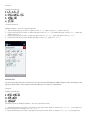
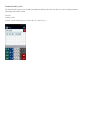
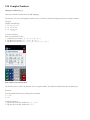
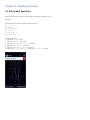
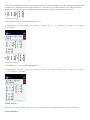
Calculator Solutions:
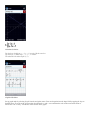
Enter one expression per line.
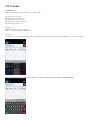
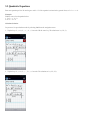
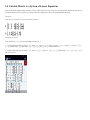
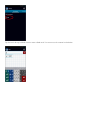
1. Tap these keys in order: (, 2, –, 3, i, ), +, (, 6, +, 4, i, )
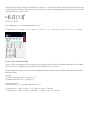
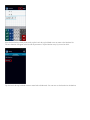
2. Tap these keys in order: (, 2, –, 3, i, ), (, 6, +, 4, i, )
3. Tap these keys in order: (, 2, –, 3, i, ), (, 6, +, 4, i, ), /, (, 3, +, 5, i, )
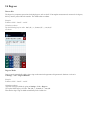
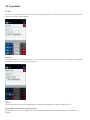
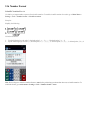
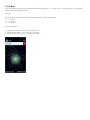
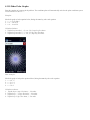
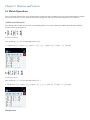
Real Number Part Function (Re)
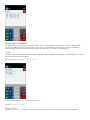
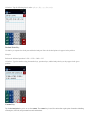
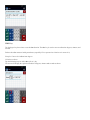
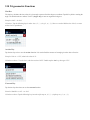
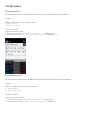
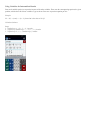
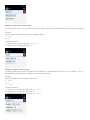
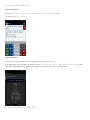
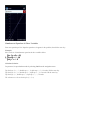
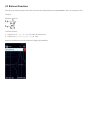
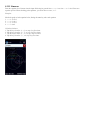
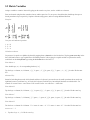
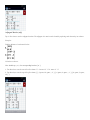
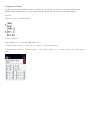
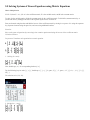
Tap the i key twice to use the Re function. Given a complex number, this function will determine the real number part.
Examples:
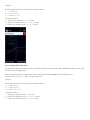
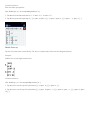
In each complex number below, identify the real number.
1. 3 + 4i
2. 15i
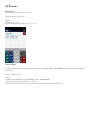
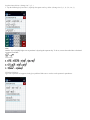
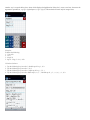
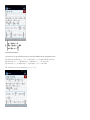
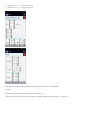
Calculator Solutions:
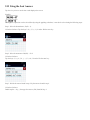
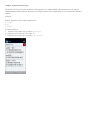
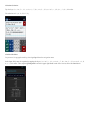
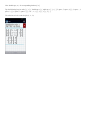
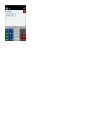
1. Tap these keys in order: double tap i, (, 3, +, 4, i, )
2. Tap these keys in order: double tap i, 1, 5, i