1
4
Computer Environment
1.
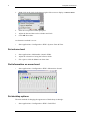
Wait a while. The system may wake up of its own accord.
2.
Press Ctrl+Alt+Backspace.
This will cause you to loose all unsaved work, but it will preserve the system
itself.
Basic Information and Operations
View the computer’s basic system information: operating system and version number,
installed RAM (random access memory).
View CPU information
1.
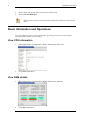
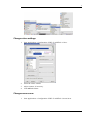
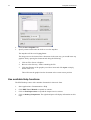
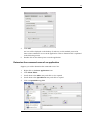
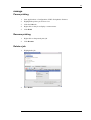
Start Applications->Configuration->KDE->Information->Processor
2.
Click Close when done.
View RAM details
1.
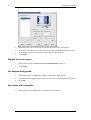
Start Applications->Configuration->KDE->Information->Memory
2.
Click Close when done.