1
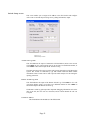
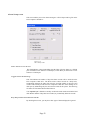
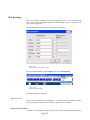
Presentation Indicator
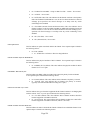
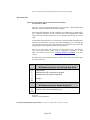
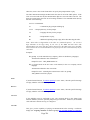
For SS7, this field is displayed. Valid selections are:
•
•
•
00 – Allowed
01 – Restricted
None
For additional details, contact your technical representative.
Screening Indicator
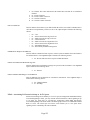
For SS7, this field is displayed. Valid selections are:
•
•
•
•
•
00 - Not screened
01 - Verified and passed
02 - Verified and failed
03 - Network Provided
None
For additional details, contact your technical representative.
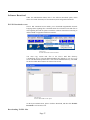
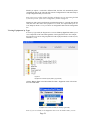
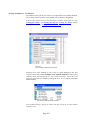
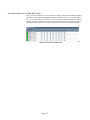
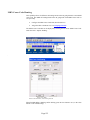
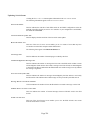
Assigning Post Routing to a Route List’s Resource Group
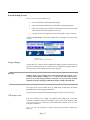
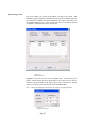
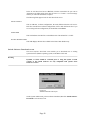
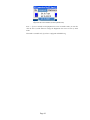
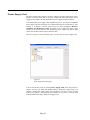
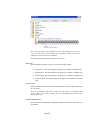
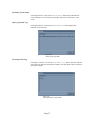
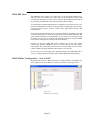
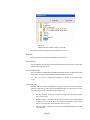
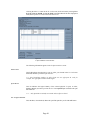
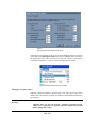
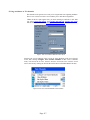
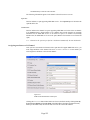
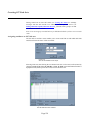
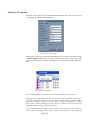
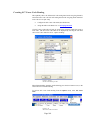
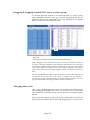
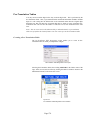
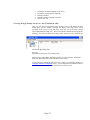
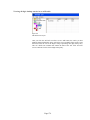
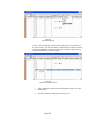
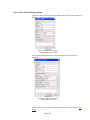
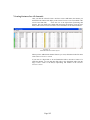
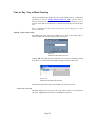
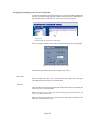
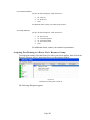
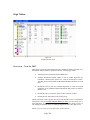
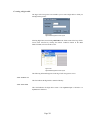
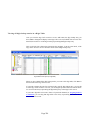
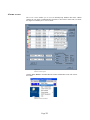
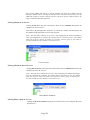
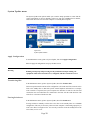
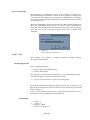
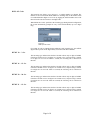
To assign post routing, select the Route List where you wish it applied., then click on the
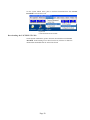
Resource Group to select it, then right click to see the option to modify:
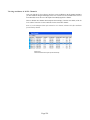
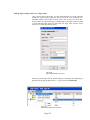
Figure 4-84
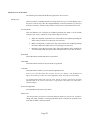
Modify Resource Group Within a Route List
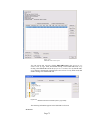
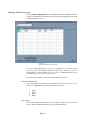
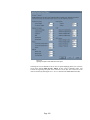
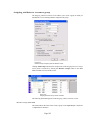
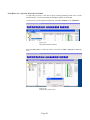
The following dialog box appears
Page 203