1
2. MNG
2.2 SYSTEM MENU
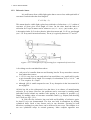
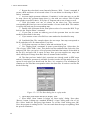
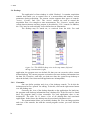
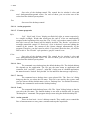
The position of the sample is controlled by two micrometer-motors. The
motors are driven by the program according to the selected area on the sample. The
area may be selected from a video image, XRF-image or relative to the sample point
that is in the front of the beam.
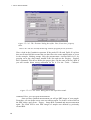
The energy spectrum is built on-board. Therefore, the MCA does not need to
support the list mode. However, the program runs in the list mode and each event
represents measurement at a particular sample position. This gives three parameters: x
coordinate, y coordinate and the energy spectrum at (x, y) coordinate. The data are
optionally stored on the disk in a successive order.
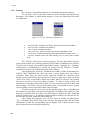
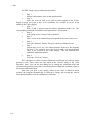
The program flow is described as follow:
1. move sample on such a way its coordinate (x,y) is in the front of the beam
2. collect energy spectrum at the coordinate (x,y)
3. analyze energy spectrum from the step two and update X ray maps
4. select a next point from a scan pattern and go to the first step
SPM
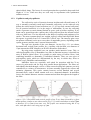
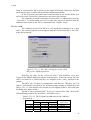
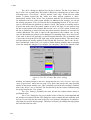
The Scanning particle micro-probe (‘SPM’) is a similar application to the
‘XRFM’. It is supported only by the MCA with list mode and coincidence.
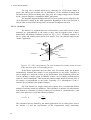
In difference from the XRFM, the sample is fixed while either on-board
hardware or an external scanner drives the beam.
Like in the XRFM application, for each position of the beam the system
collects three parameters: x coordinate, y coordinate and energy. If it is supported by
the MCA, additional detectors may be added.
Custom
The data processing is performed by a user written DLL (dynamic link
libraries). It is supported by the list mode only.
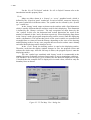
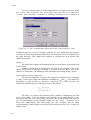
Another way to use the custom data processing is to define parameters by the
‘prmlib.dll’. For more information see ‘Displays’ command in the ‘Acquire’ menu.
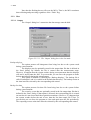
2.2.3. Host
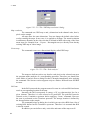
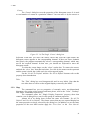
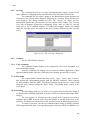
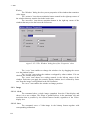
The Host command lets you modify the basic properties of the program and
host resources that are controlled by the program.
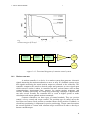
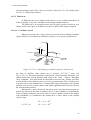
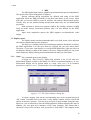
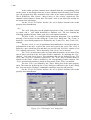
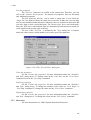
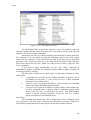
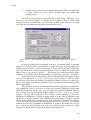
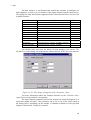
The command brings up a property sheet containing several pages described
as follows.
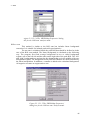
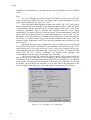
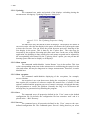
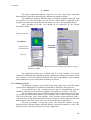
2.2.3.1. Control
Sets the program control mode.
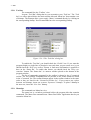
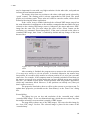
You can control the acquisition from the same computer you used to install the
MCA, also called server, or from a remote computer also called client. This can be
done on a several ways. They are listed on the ‘Control’ page and explained as
follows:
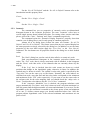
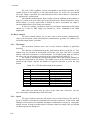
None
All commands are applied from the program menus and dialog boxes on the
Server. This is the default mode.
Local user written program
The commands are sent from a user written program in the form of Windows
‘SendMessage’ instruction. The program should run on the server.
57