1
Menu Items
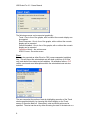
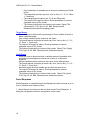
specified flag and the finish can be a specified flag that occurred after the start,
or the end of the data set. Note that the finish cannot precede the start.
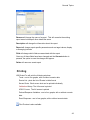
The user can set the name of the Excel sheet by changing the Sheet Prefix as
well. If the size of the data set exceeds the size of an Excel spreadsheet,
further sheets will be created.
Screen Shots
Any screen shots created on the LiDCOplus can be exported from LiDCOview
Pro.
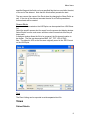
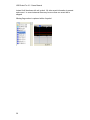
Select the specific screen shot for export from the screen shot display window
Select Export from the main menu and then select Screenshots from the pull
down menu
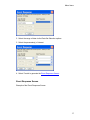
A dialogue window allows the file to be renamed, the file storage location to
be chosen. The files can be saved as BMP, GIF, TIFF, JPG or PNG
files. The default is JPG as the files were originally saved in the JPEG format
on the LiDCOplus.
Text
The Event Listing can be exported as a tab-separated text file.
Views
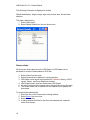
Patient Details
9