1
User Guide 99
EXTRA
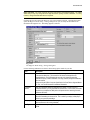
This option will pay those employees that will not be present on the next payroll. For example,
employees being terminated or taking leave would be classified as Extra. To indicate the
employees to be paid, the employees status (Personal, Miscellaneous Information) must be set to
X. An extra payroll will calculate all statutory deductions as a NORMAL PAY, and as such will
create an extra insured week period.
EXAMPLE - An employee will be on vacation when the next payroll is due, and would like to be
paid in advance.
Note: Clear Payroll - During the Clear Payroll process, these employees will be set to Leave
status.
REVERSAL
This option will cancel a previously issued cheque for an employee. To indicate the employees to
have their pay reversed, the employee's status (Personal, Miscellaneous Information) must be set
to X.
EXAMPLE - An employee was paid in error. To cancel the cheque issued, and correct the yearto-date balances, use the REVERSAL option.
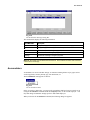
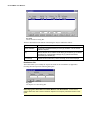
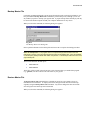
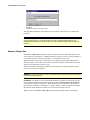
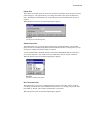
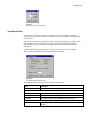
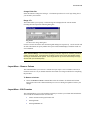
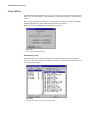
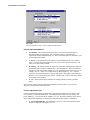
When you specify REVERSAL, the program prompts for the pay run number to be reversed.
Note: Clear Payroll - During the Clear Payroll process, these employees will be reset to Active
status.
When an Additional, Extra, or Reversal pay is performed, changes made to employees which were
not included on these runs (e.g. status not set to special) will be carried forward to the next payroll
run during the Clear Payroll process.
CAUTION - DO NOT change the employee status until the Clear Payroll process has been
performed.
Temporary Backup/Restore
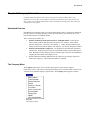
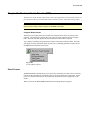
The Temporary Backup/Restore command allows you to make a temporary backup, or restore,
the payroll master file of the current payroll. The temporary backup is saved to the same hard
drive containing the GrandMaster II for Windows program. To restore a payroll master file, it
must first have been backed up. When a payroll master file is restored, any changes made to the
payroll since the payroll was backed up are discarded.
Note: Backup the Master File - To create a permanent backup of a payroll use the Backup
Master File command.
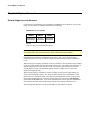
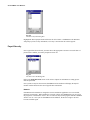
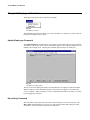
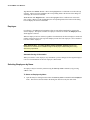
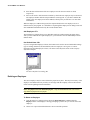
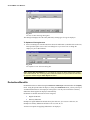
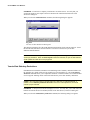
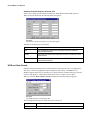
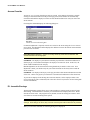
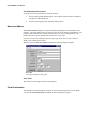
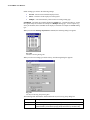
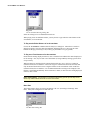
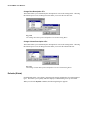
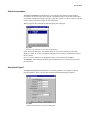
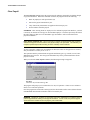
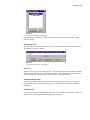
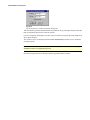
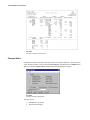
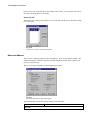
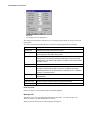
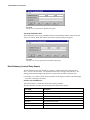
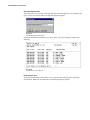
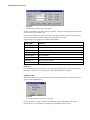
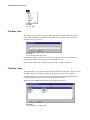
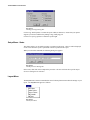
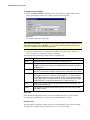
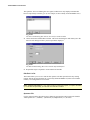
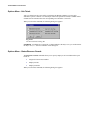
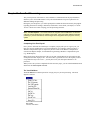
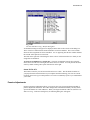
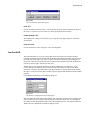
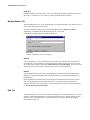
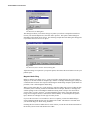
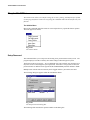
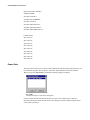
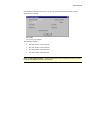
When you select the Temporary Backup/Restore command, the following dialog box appears.