1
190 GrandMaster II for Windows
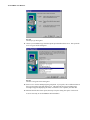
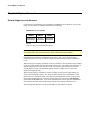
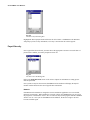
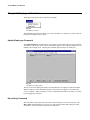
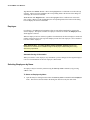
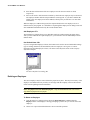
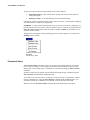
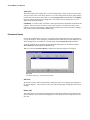
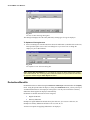
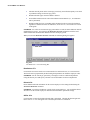
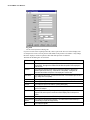
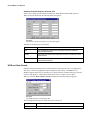
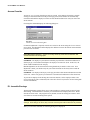
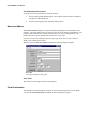
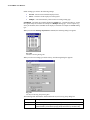
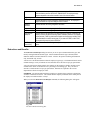
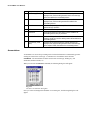
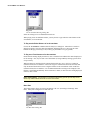
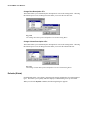
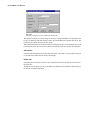
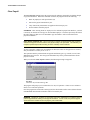
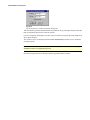
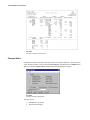
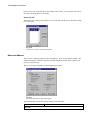
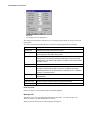
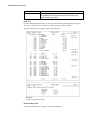
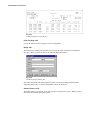
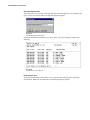
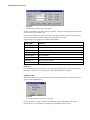
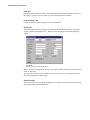
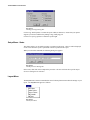
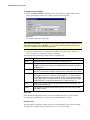
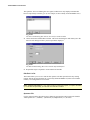
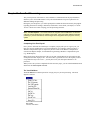
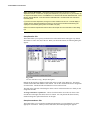
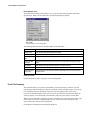
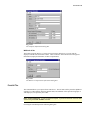
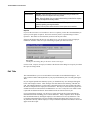
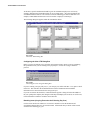
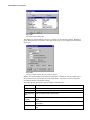
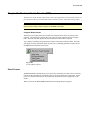
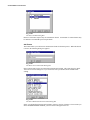
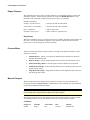
Fig. 12-03
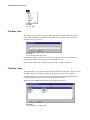
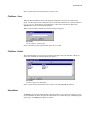
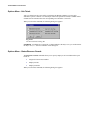
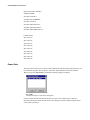
The Select Report Dialog Box
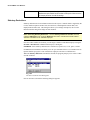
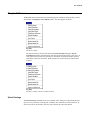
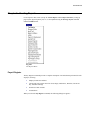
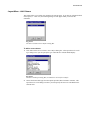
This dialog box contains multiple report types of which you can control the settings. Highlight a
report, then choose the Select button. This opens the Set Page Layouts dialog box for the specific
report type.
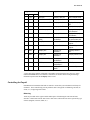
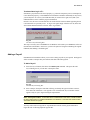
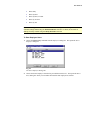
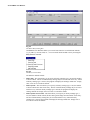
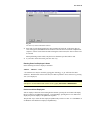
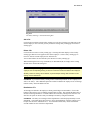
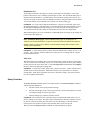
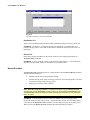
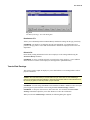
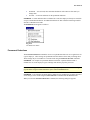
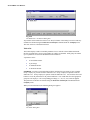
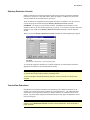
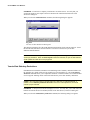
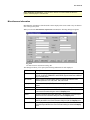
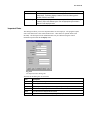
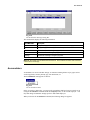
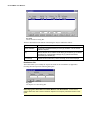
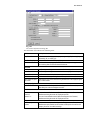
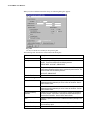
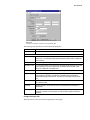
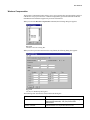
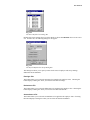
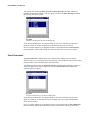
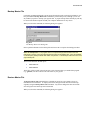
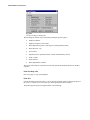
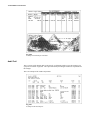
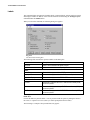
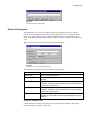
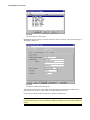
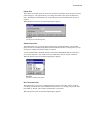
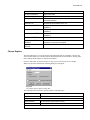
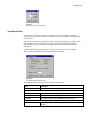
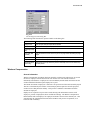
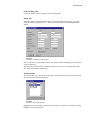
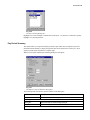
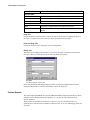
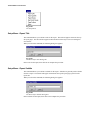
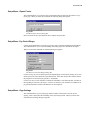
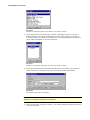
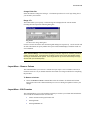
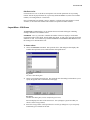
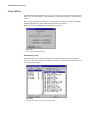
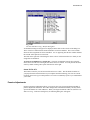
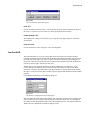
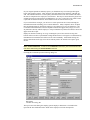
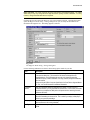
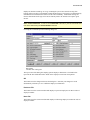
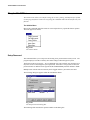
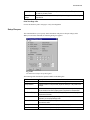
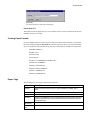
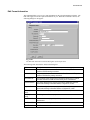
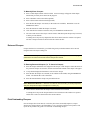
Fig. 12-04
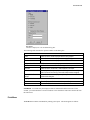
The Select Report Dialog Box (Pay Register Report)
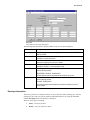
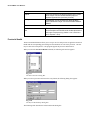
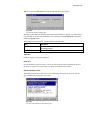
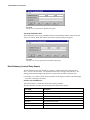
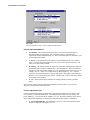
Initially, the current settings for the form size and format are displayed. You may modify any of
the options shown to suit your specific printer requirements. If necessary, refer to your printer's
User Manual when specifying these settings.
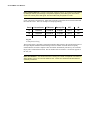
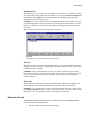
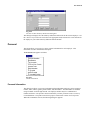
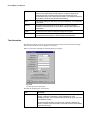
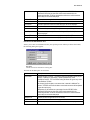
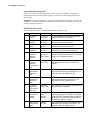
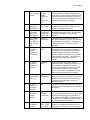
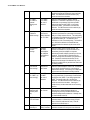
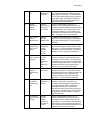
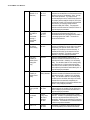
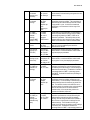
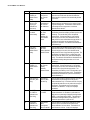
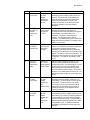
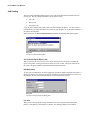
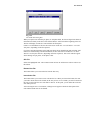
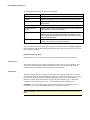
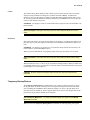
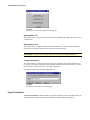
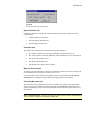
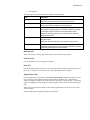
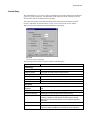
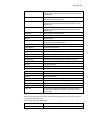
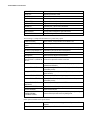
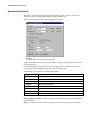
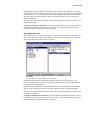
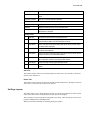
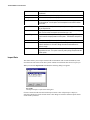
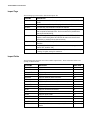
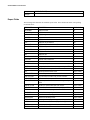
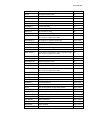
The following table describes the options available in this dialog box:
Field
Description
Assign to Port
Enter the port where the output will be directed.
Lines/Inch
Enter the number of lines to print per inch.
Lines/Page (Page
Size)
Enter the number of lines to print per page.
Print Lines (Max
Printable)
Enter the maximum amount of lines to print on the page without exceeding the page
length.
Condensed
Check this box if the output should be printed in a condensed format (takes less width
on the page).
Emphasized
Check this box if the output should be emphasized for readability (results in bolder
text).