1
User Guide 25
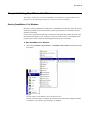
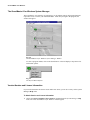
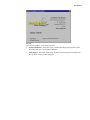
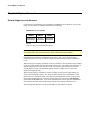
Chapter 5: Managing Payrolls
GrandMaster II for Windows allows you to set up an unlimited number of payrolls. The criteria
for determining the number of payrolls required is based on the run frequency and the company
name.
EXAMPLE - A semi-monthly payroll would not be included with a bi-weekly payroll. Similarly,
a payroll for ABC Company would not be included with a payroll for XYZ Company.
At times it may be more convenient to separate a single payroll into several smaller payrolls, for
reasons including:
• organization (office payroll kept separate from the plant payroll)
• security (executive payroll processed separately by persons other than the payroll
department)
• timing (payroll data from branch operations may require more time to reach the payroll
department than from other branches)
Each payroll should have a unique directory name, conforming to DOS directory naming
conventions (no more than eight characters and no spaces). Refer to your DOS user guide for
more information on DOS directory naming conventions.
Payroll Management
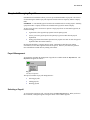
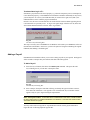
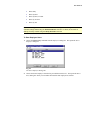
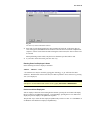
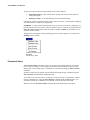
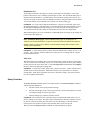
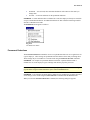
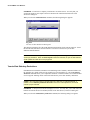
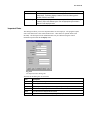
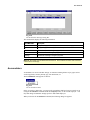
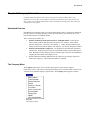
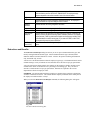
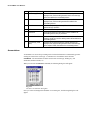
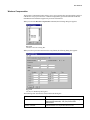
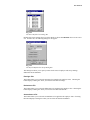
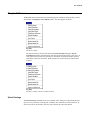
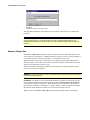
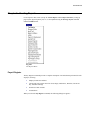
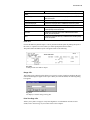
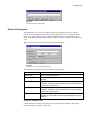
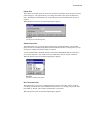
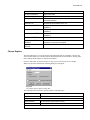
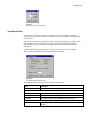
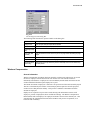
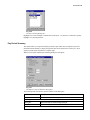
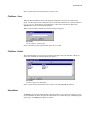
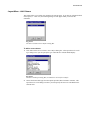
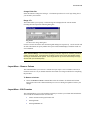
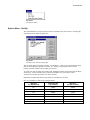
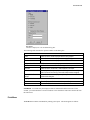
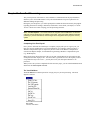
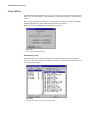
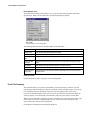
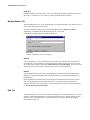
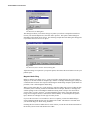
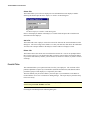
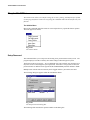
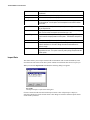
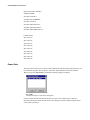
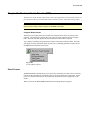
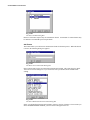
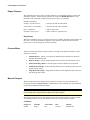
All operations regarding the management of payrolls are available under the Payroll menu. The
Payroll menu appears as follows:
Fig. 5-1
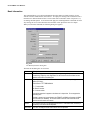
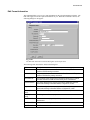
The Payroll Options
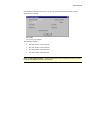
The options available for payroll management are:
• Selecting payrolls
• Adding payrolls
• Deleting payrolls
Selecting a Payroll
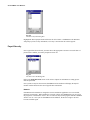
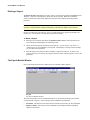
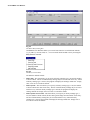
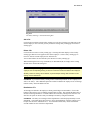
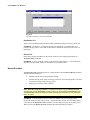
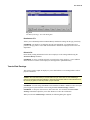
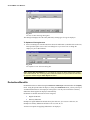
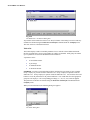
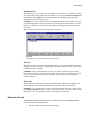
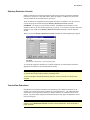
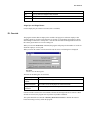
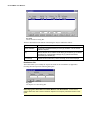
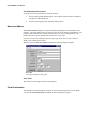
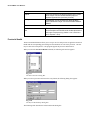
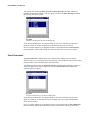
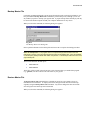
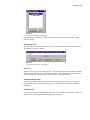
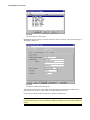
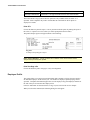
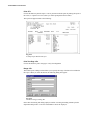
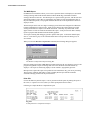
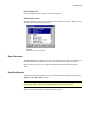
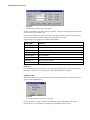
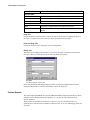
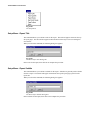
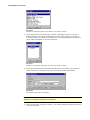
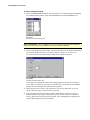
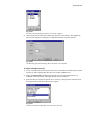
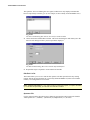
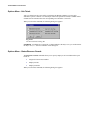
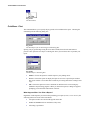
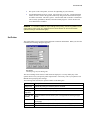
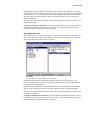
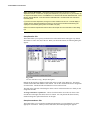
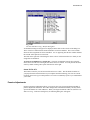
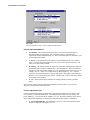
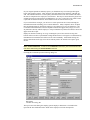
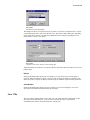
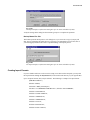
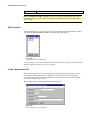
To work with an existing payroll, you must choose the Select Payroll option. When you choose
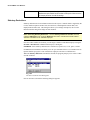
this command, a dialog box appears listing the names of the available payrolls.