1
thebook-all
07.11.2002 18:28 Uhr
Seite 15
(Schwarz Bogen)
Manual
Single Sounds
Selecting Single Sounds:
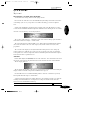
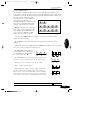
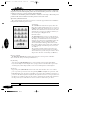
Finally, let’s listen to some sounds! You can find all the necessary parameters in the Program
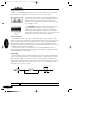
section (area around the (Load)-knob) on the front panel. Use the (Type)-button to switch
between Single Sounds
and Multi Programs.
The SUNSYN always
starts up in Single
Sound mode.
Quick Start
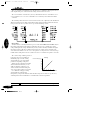
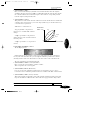
1. Push the (Type)
button until the <
Single > LED lights.
2. Use the (Number)-buttons or the (Load)-knob to select programs.
• If you use the (Number)-buttons, the sounds are loaded immediately.
• If you use the (Load)-knob to scroll through Single Sounds instead, the display shows the
sound number only. Only after either pushing the (Load)-knob or both of the (Number)buttons down is the sound loaded. Try it!
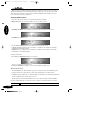
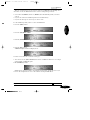
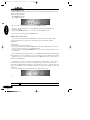
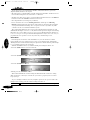
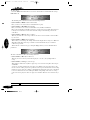
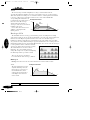
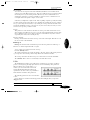
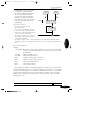
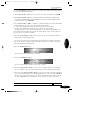
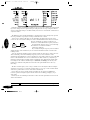
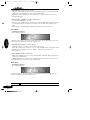
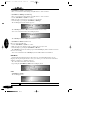
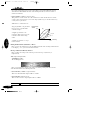
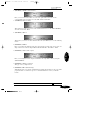
The three digit LED Display shows the current single sound number < 001 > and
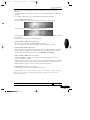
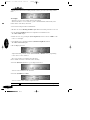
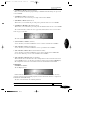
the LC Display indicates
The lower line shows the midi receive- and transmit-channel, the assigned audio output and
the program level. You cannot edit these parameters from this menu.
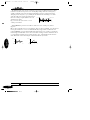
Every time the SUNSYN receives midi information, the dot in the lower right corner of the
LED display (right above the word Midi) will light.
Have fun!
After satisfying your curiosity for the first time, we’ll now take a closer look at the Program
Section of the SUNSYN.
Editing Single Sounds:
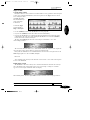
The SUNSYN’s edit mode is always active, which means the knobs and buttons are always
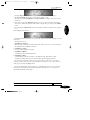
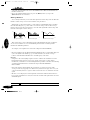
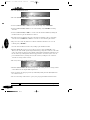
alive and will affect the sound parameters. As soon as you change a setting, two asterisks
appear next to the single sound name in the LC display.
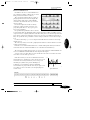
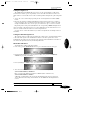
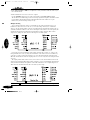
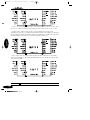
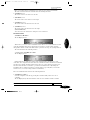
When turning a knob, the three digit LED shows the actual value of the changed parameter.
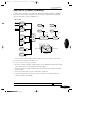
Programm-Section
2-2
015