1
APPENDICES
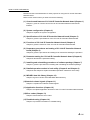
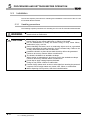
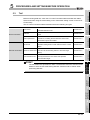
POINT
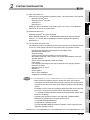
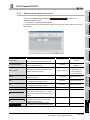
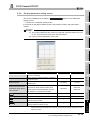
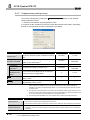
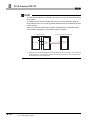
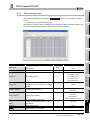
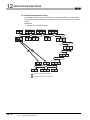
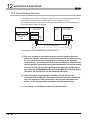
To check which system in the Redundant CPU system is being accessed by the
CC-Link IE Controller Network board, create a program to monitor the following
special relays.
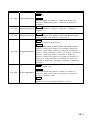
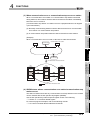
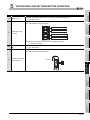
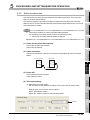
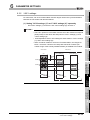
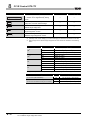
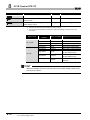
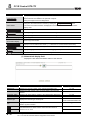
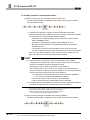
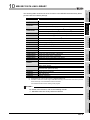
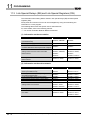
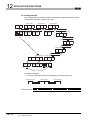
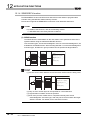
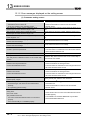
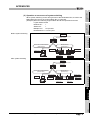
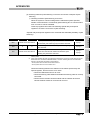
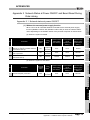
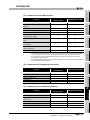
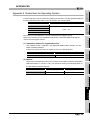
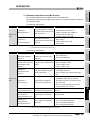
(1) When checking which system is being accessed, System A or System B
• Identifies System A/System B of a redundant system.
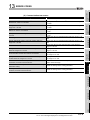
System A
SM1511
identification
• Remains ON/OFF even if the tracking cable is disconnected while the
redundant system is running.
At the time of TRK.CABLE
flag
System A
System B
ERR.(Error code: 6120) occurrence
SM1511
ON
OFF
OFF
SM1512
OFF
ON
OFF
(System not determined.)
System B
SM1512
identification
flag
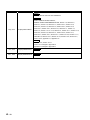
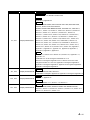
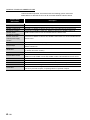
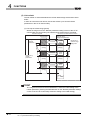
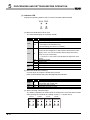
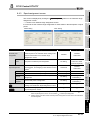
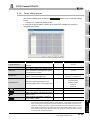
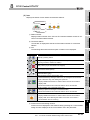
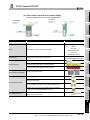
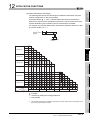
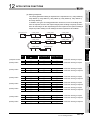
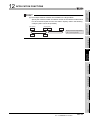
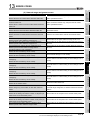
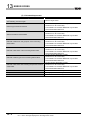
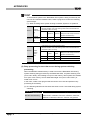
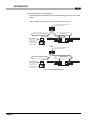
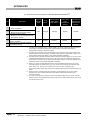
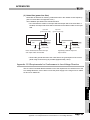
(2) When checking the operation system status
• Indicates the CPU module operation status
• Remains ON/OFF even if the tracking cable is disconnected while the
SM1515
Control/
redundant system is running.
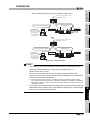
At the time of TRK.CABLE
Standby
Control
Standby
system
system
system
SM1515
ON
OFF
OFF
SM1516
OFF
ON
OFF
status
SM1516
ERR.(Error code: 6120) occurrence
(System not determined.)
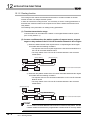
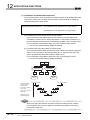
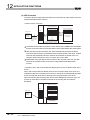
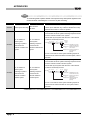
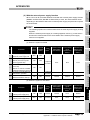
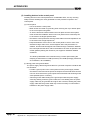
(3) Retry processing for error that occurs during system switching
processing
When the MELSEC data link library is used to access the Redundant CPU during
system switching being processed by the Redundant CPU, a system switching error
(error code: 4248H), CPU starting error (error code: 4004H), other system CPU module
error (error code: 4245H), access destination illegal error (error code: FFDFH) or
similar error occurs.
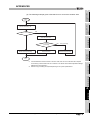
In this case, create a user program that checks the error code and performs retry
processing as necessary.
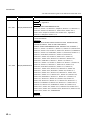
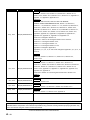
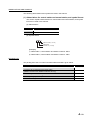
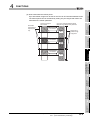
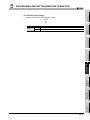
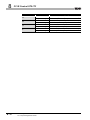
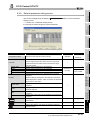
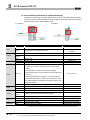
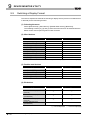
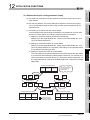
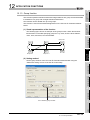
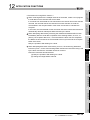
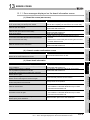
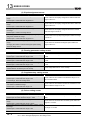
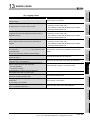
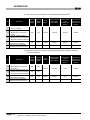
(a) The following indicates the functions that result in error if executed during system
switching.
Functions that result in error by system switching
mdDevSetEx, mdDevRstEx, mdRandREx, mdRandWEx,
MELSEC data link library
mdReceiveEx, mdSendEx,mdControl, mdDevRst, mdDevSet,
mdRandR, mdRandW, mdReceive, mdSend, mdTypeRead
App - 3
Appendix 1 Precautions for Accessing Redundant CPU System