1
Importing Files to the Local Software Library
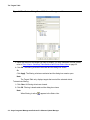
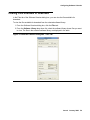
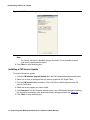
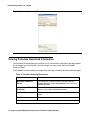
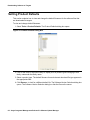
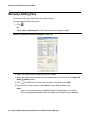
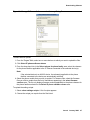
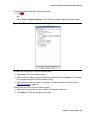
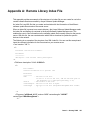
To open the IP Phones Software Libraries dialog box:
1. Click
.
Or
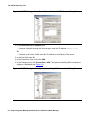
Select Tools > Software Libraries. The IP Phones Software Libraries dialog box opens.
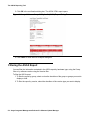
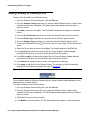
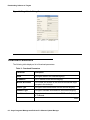
Figure 40: IP Phones Software Libraries Dialog Box
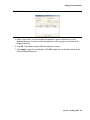
To Import new files into the IP Phones software library:
1. Click Import. The Import window opens.
2. Select the file you want to import from the client workstation and click Import. The selected
file is imported into the IP Phones Software Library.
3. View log files to confirm the import, if desired. For more information on log files, refer to
Viewing Log Files on page 98.
To delete files from the IP Phones Software Library:
1. Select the file or files that you want to delete in the Server Library tree.
2. Click Delete. The files are deleted from the tree.
Issue 6 January 2008
99