1
T-Desk Operating Manual
Aux Out
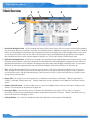
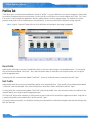
The Aux Out section can be accessed on the Main tab or the Wired Levels tab, and it allows adjustment to the Aux Out audio levels. The Aux
In levels are no longer adjusted at the BaseStation; it is controlled via each BeltStation as Program Volume with individual level control. The
Aux Out levels can be adjusted for all intercom channels (A-D) and are measured in decibels (dB). To enable, move the slider bar to any value
other than “0.” Adjusting the levels to OFF disables the function for the corresponding channel.
BaseStation Settings Tab
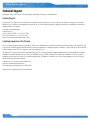
The BaseStation Setting Tab allows you to adjust the selected BaseStation’s Stage Announce, Base Mic, and Front Panel settings.
8