1
XON Electronics - TSmon (EZ-Red utility) manual v 1.2
Keyboard shortcuts (special function keys)
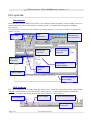
During text editing a few key combinations recall special functions listed in the table below:
Key combination
Operation
F9
Compile the program
Ctrl+F9
Compile, send to EZ-Red, and run
F8
Makes a single step in the current task
Ctrl+F
Search a word in the program text
Ctrl+L, or F3
Search again the last word (next occurrence)
Ctrl+W, or F7
Watch (see the value of) the resource under the cursor
F1
Shows a short description of the resource under the text
cursor, in the higher message area.
Ctrl+Alt+UP (up arrow)
Jumps backwards to the previous occurrence of the
word under the cursor
Ctrl+Alt+DN (down arrow)
Jumps forward to the next occurrence of the word
under the cursor
Program Compilation
When a file is freshly opened, or after the current file has been modified, it must be compiled before it can be
transferred to the module. Of course, it is possible to compile without sending the file, just to check for errors.
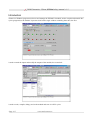
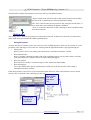
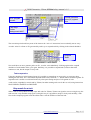
To compile the program, click the button “F9 Compile” or hit the F9 key. If the compiler founds an error, a
message is shown in the upper message area and the cursor moves to the location of the error. Otherwise, a
message shows the compilation result (length of compiled program).
Helps to program writing
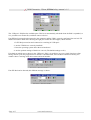
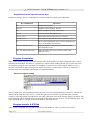
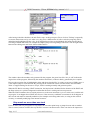
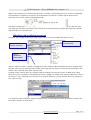
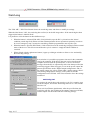
The two fields below the main buttons can be opened to see a list of all the identifiers (resources). The left list
contains all the identifiers (X1, X2, X3...) while the right side one contains only the base name (resource
category). Selecting an item from either ones, the other synchronize and a short message appears just below. This
kind of message can be obtained also by pressing the F1 key while the text cursor is over an identifier name. The
center button labeled “V” inserts the shown identifier in the program text.
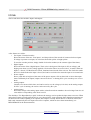
Program transfer to EZ-Red
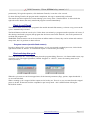
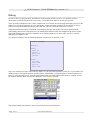
After a cycle is compiled, it is possible to transfer it to the module in order to execute it or to store it
Page 8/17
www.xonelectronics.it