1
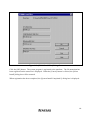
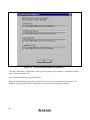
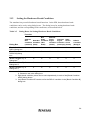
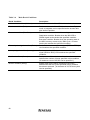
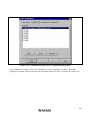
An example is given below in which the address bus condition and read cycles for state condition
are set in Break Condition A as hardware break conditions.
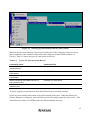
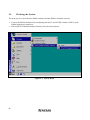
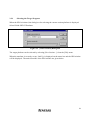
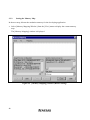
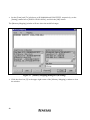
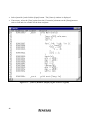
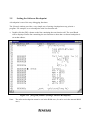
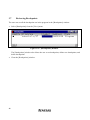
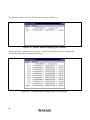
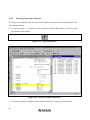
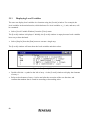
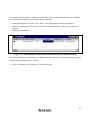
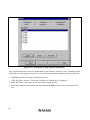
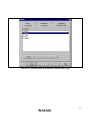
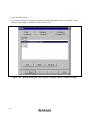
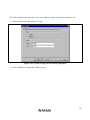
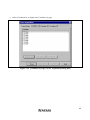
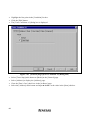
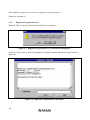
• Select [Breakpoints] from the [View] menu. The [Breakpoints] window is displayed.
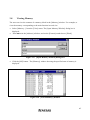
• When the right button of the mouse is clicked in the [Breakpoints] window, a pop-up menu
appears.
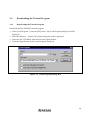
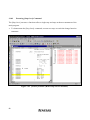
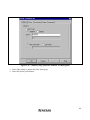
• Click the [Add] button.
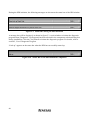
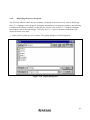
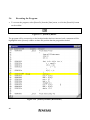
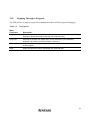
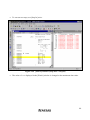
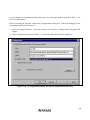
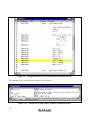
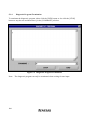
Figure 3.34 [Breakpoints] Window (Before Hardware Break Condition Setting)
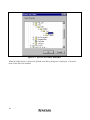
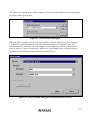
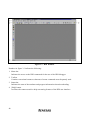
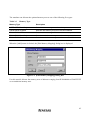
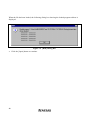
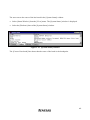
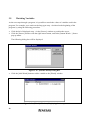
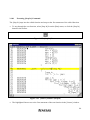
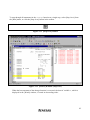
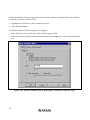
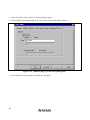
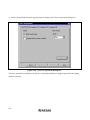
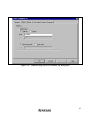
The [Break] dialog box is displayed. For hardware break conditions, the [Break] dialog box pages
required for the setting must be selected.
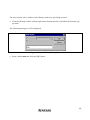
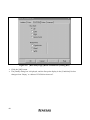
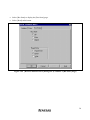
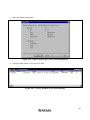
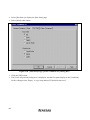
• Select [Condition A] to display the [Condition A] page.
61