1
Scripting Features
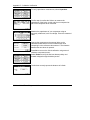
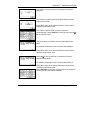
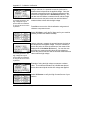
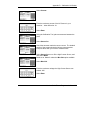
Auto-diagnose Option
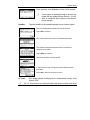
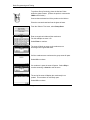
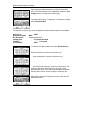
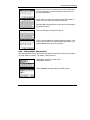
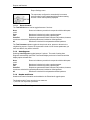
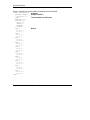
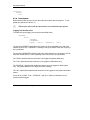
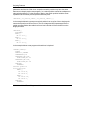
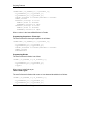
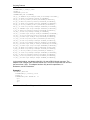
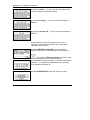
To enable the auto diagnose options use the syntax described below:
*REPORTS*
*AUTODIAGNOSE*
{*PASS* | *FAIL* | *PASSFAIL* | *ALL*}
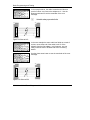
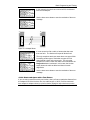
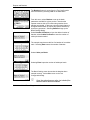
The *PASS* specifies that test results are to be displayed automatically for passed
cables only.
The *FAIL* specifies that test results are to be displayed automatically for failed cables
only.
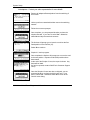
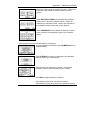
The *PASSFAIL* specifies that detailed test results are to be displayed automatically for
failed cables only. The passed cables will only display a brief Pass message.
The *ALL* specifies that detailed test results are to be displayed automatically for both
passed and failed cables.
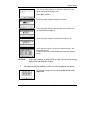
If none of the *PASS*, *FAIL*, *PASSFAIL* and *ALL* options is listed then no test
results would be displayed automatically.
The *AUTODIAGNOSE* can coexist with either one of the *PRINTER* and *FILE*
options.
Test Parameters
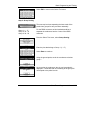
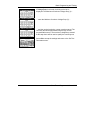
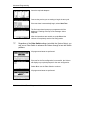
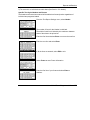
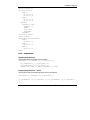
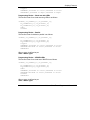
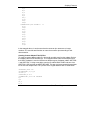
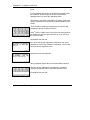
Reporting the test parameters (test limits) can be enabled by using the syntax described
below:
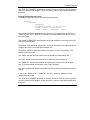
*REPORTS*
*TESTPARAMS*
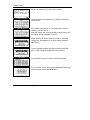
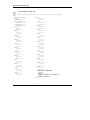
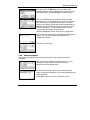
When included in the test program the *TESTPARAMS* keyword enables the printing of
test parameters. When omitted, the test parameters will not be printed.
Serial Numbers
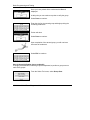
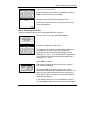
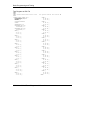
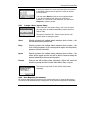
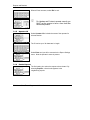
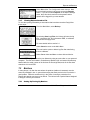
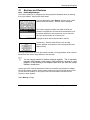
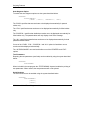
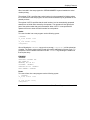
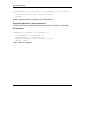
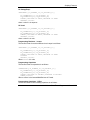
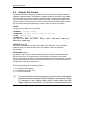
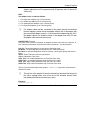
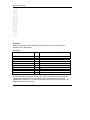
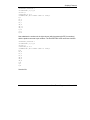
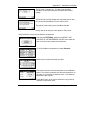
The serial numbers can be enabled using the syntax described below:
*REPORTS*
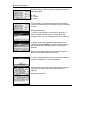
*SERIALNUMBER*
[*FAIL*]
[*AUTO*]
9-22 Horizon Series Tester: Programmer’s Manual