1
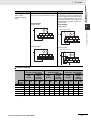
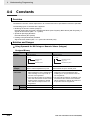
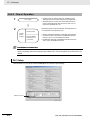
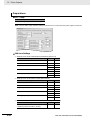
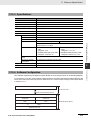
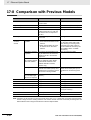
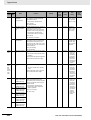
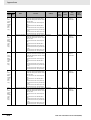
7 PLC Setup
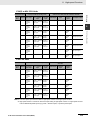
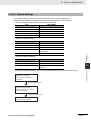
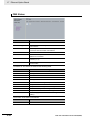
Name
2
2-3
Default
Possible settings
When setting is read by
CPU Unit
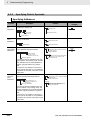
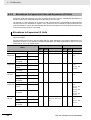
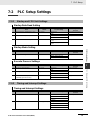
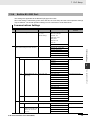
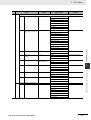
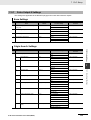
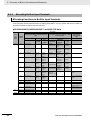
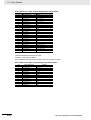
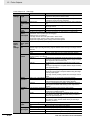
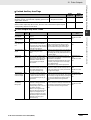
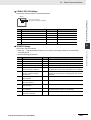
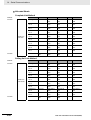
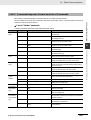
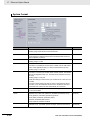
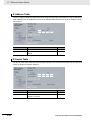
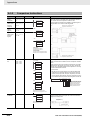
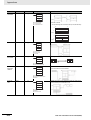
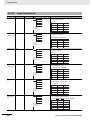
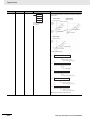
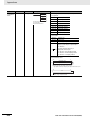
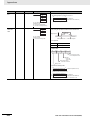
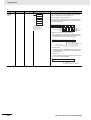
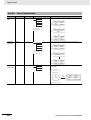
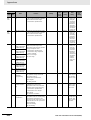
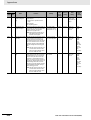
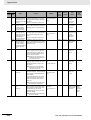
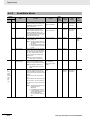
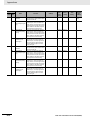
RS-232C (No-protocol) Settings
2-3-1
Baud
9,600 bps
1,200 bps
When power is turned ON
2,400 bps
4,800 bps
9,600 bps
19,200 bps
38,400 bps
57,600 bps
115,200 bps
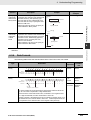
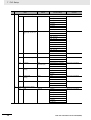
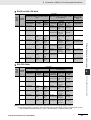
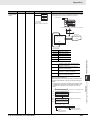
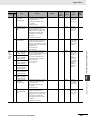
2-3-2
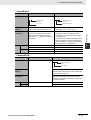
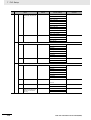
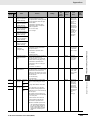
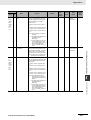
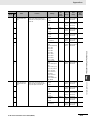
Format
(data length, stop bits, parity)
7 bits, 2 bits, even
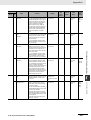
7 bits, 2 bits, even
When power is turned ON
7 bits, 2 bits, odd
7 bits, 2 bits, no parity
7 bits, 1 bit, even
7 bits, 1 bit, odd
7 bits, 1 bit, no parity
8 bits, 2 bits, even
8 bits, 2 bits, odd
8 bits, 2 bits, no parity
8 bits, 1 bit, even
8 bits, 1 bit, odd
When power is turned ON
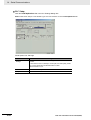
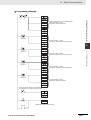
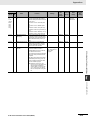
7-2 PLC Setup Settings
When power is turned ON
7
8 bits, 1 bit, no parity
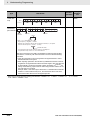
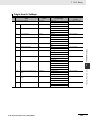
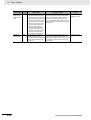
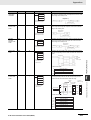
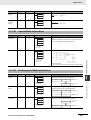
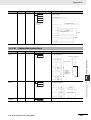
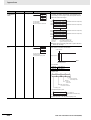
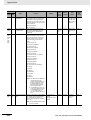
2-3-3
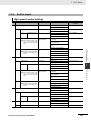
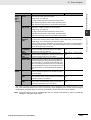
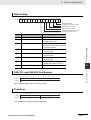
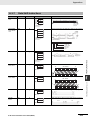
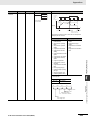
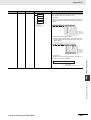
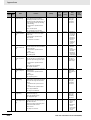
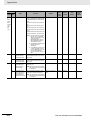
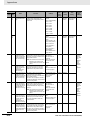
Start Code
Disable.
Disable.
When power is turned ON
Set.
2-3-4
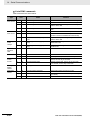
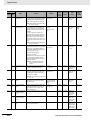
Start Code
(setting)
00 hex
00 hex
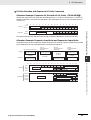
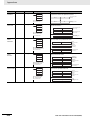
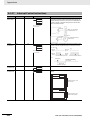
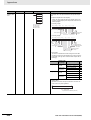
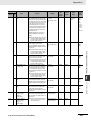
End Code
None
(Received Bytes)
Received Bytes (no end code)
256 bytes
256 bytes
When power is turned ON
:
FF hex
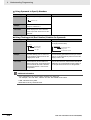
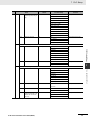
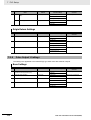
2-3-5
CR, LF
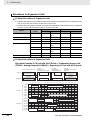
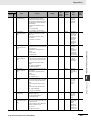
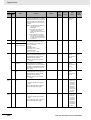
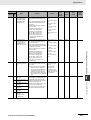
Set End Code
2-3-6
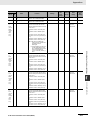
Received Bytes (setting)
1 byte
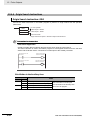
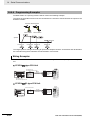
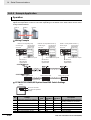
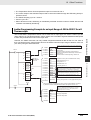
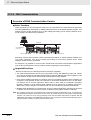
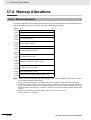
7-2-5 Serial Option Port / Built-in RS-485 Port
:
255 bytes
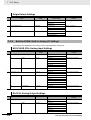
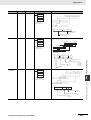
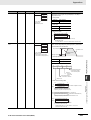
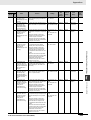
2-3-7
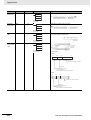
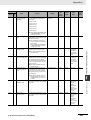
Set End Code (setting)
00 hex
00 hex
When power is turned ON
:
FF hex
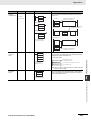
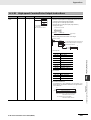
2-3-8
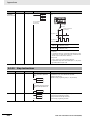
Delay
0 ms
0 (×10 ms)
When power is turned ON
:
9999 (×10 ms)
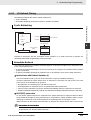
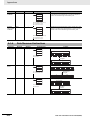
2-5
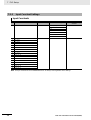
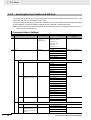
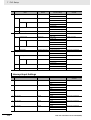
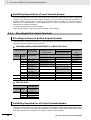
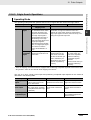
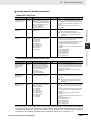
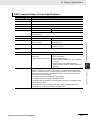
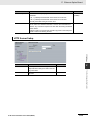
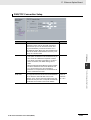
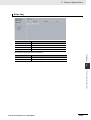
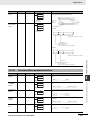
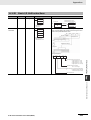
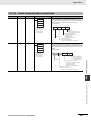
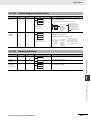
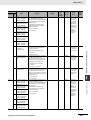
Modbus-RTU Easy Master Settings
2-5-1
Baud
9,600 bps
1,200 bps
When power is turned ON
2,400 bps
4,800 bps
9,600 bps
19,200 bps
38,400 bps
57,600 bps
115,200 bps
CP1E CPU Unit Software User’s Manual(W480)
7-9