1
BTM44X - Getting Started
Application Note
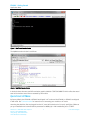
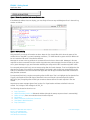
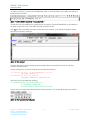
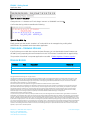
Figure 1: UwTerminal main window
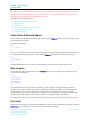
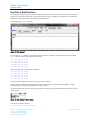
The MpBtHost main window is as follows:
Figure 2: MpBtHost main window
In both windows there are small LED emulation graphics labelled CTS/RTS/DCD/RI/RTS which reflect the actual
state of the modem control lines as asserted by the module.
QUICK START: AT MODE
By factory default, the BTM440 or BTM442 are shipped in AT mode and the BTM441 or BTM443 are shipped
in MP mode. See Convert Protocol for instructions on converting your modules to AT mode.
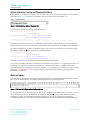
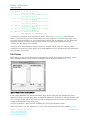
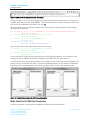
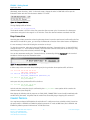
Assuming that both dev kits are plugged into the PC, start UwTerminal twice. For each, specify the COMxx as
per your installation and communications parameters as 9600,N,8,1 with handshaking set to CTS/RTS.
Americas: +1-800-492-2320 Option 3
Europe: +44-1628-858-940
Hong Kong: +852 2923 0610
www.lairdtech.com/wireless
2
Laird Technologies