1
BT740 Development Kit
Quick Start Guide
Drop Connection
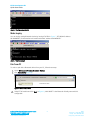
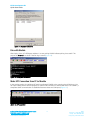
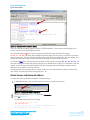
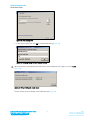
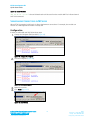
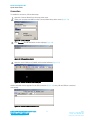
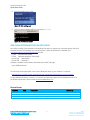
To drop the connection, issue the “^^^” command to switch to Connected mode. The BT740 responds with
OK to indicate the switch is successful and then issues “ATH” to drop the SPP connection (Figure 18).
Figure 18: Drop connection command
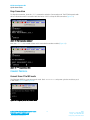
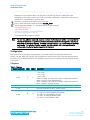
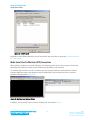
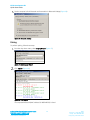
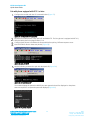
Note that “^^^” is also treated as data and is transmitted to another module (Figure 19).
Figure 19: ^^^ transmitted as data
CONVERT PROTOCOL
Convert from AT to MP mode
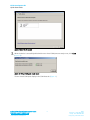
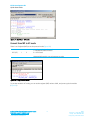
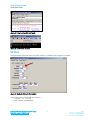
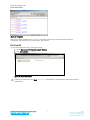
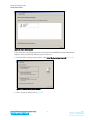
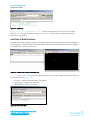
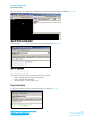
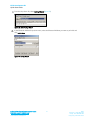
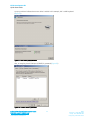
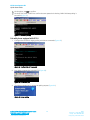
The S Register (9255) is to set the protocol mode. Send “ATS9255=1” and power cycle the module to put it
in MP mode (Figure 20 and Figure 20).
Figure 20: S Register (9255) for protocol mode
Embedded Wireless Solutions Support Center:
http://ews-support.lairdtech.com
www.lairdtech.com/bluetooth
8
Laird
Americas: +1-800-492-2320
Europe: +44-1628-858-940
Hong Kong: +852 2923 0610