1
PROBLEMS
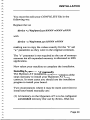
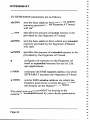
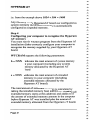
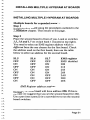
(3) Put the cover back on the machine and tum it on. It
should now boot normally. If it does not, there is
something wrong in the machine other than the
HyperamAT board. Call your dealer.
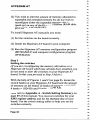
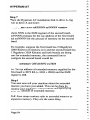
(4) Place the HyperamAT installation disk in drive A: and
enter the command:
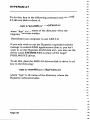
a:setramat d
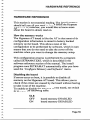
(5) Tum the machine off, remove the cover and move
switch S 1.8 to the OFF position.
(6) Replace the cover, tum the machine on and wait for it
to boot.
(7) With the installation disk in drive A:, enter the
command:
inithram
-
If you get a message that says 'Bad command or file
name' , run the install program and select option 3
, Configure memory' from the Master menu.
(8) You should now be able to reboot normally. If not,
call your dealer.
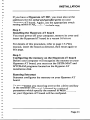
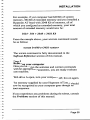
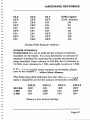
Parity check 2
Parity check 2 indicates a memory error on a memory
expansion board.
Page 41