1
OrCam User Guide
Version 6.0
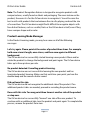
Text may be too close. Some of the text may be cut-off.
Text is cut by margins of frame (both left and right).
Text is too small. Try to hold it closer.
Text font is too small for reading.
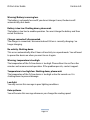
Skipped one line / [this many] lines of unreadable text.
Text was identified but not readable - skipping a single line / several lines of
unreadable text. Try to read that section again.
Resuming from [this] line.
Resuming reading after skipping lines .
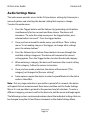
Can't read text / text seems blurry, please try again in a brighter area.
Text is unreadable due to poor lighting conditions .
Reading resumed.
Reading from previous attempt - reading continued from last sentence.
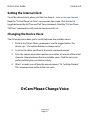
The text seems upside-down. To read it, rotate the page and try again.
Page is recognized as text that is being held upside down.
Skipping to next text block.
Text of current text block is upside down, reading next text block.
The page is empty.
The edges of the page were identified, but no text was found.
Reached end of page.
Reading reached the end of a page and bottom edges were found (not newspaper).
Touch reading started.
Entering touch reading mode.
Finished touch reading.
Exiting touch reading mode.
Page 18