Download 2 - Sony
Transcript
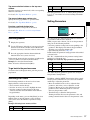
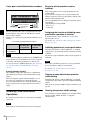
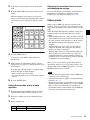
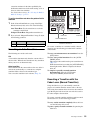
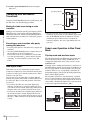
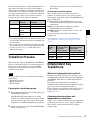
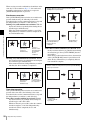
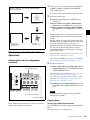
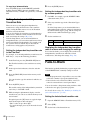
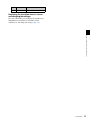
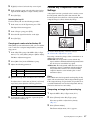
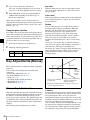
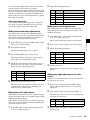
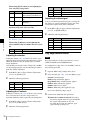
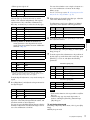
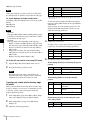
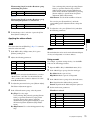
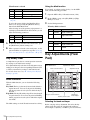
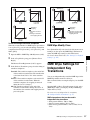
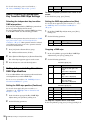
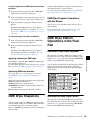
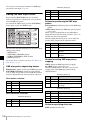
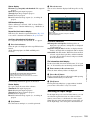
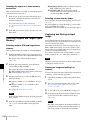
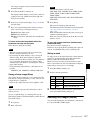
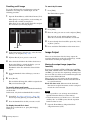
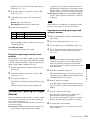
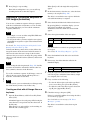
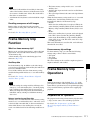
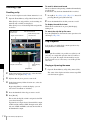
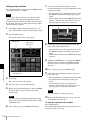
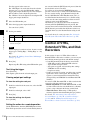
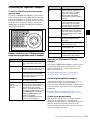
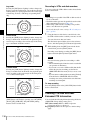
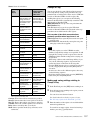
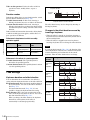
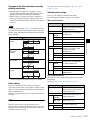
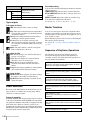
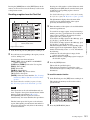
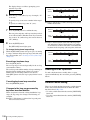
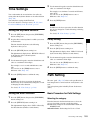
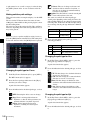
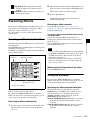
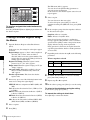
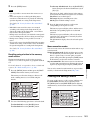
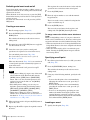
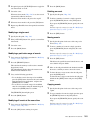
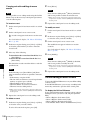
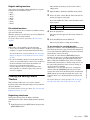
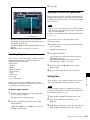
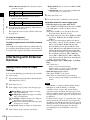
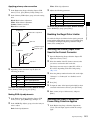
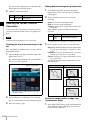
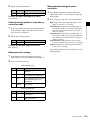
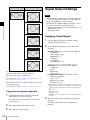
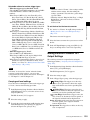
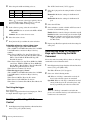
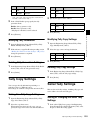
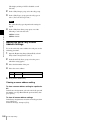
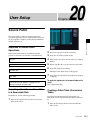
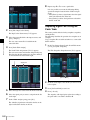
Settings Relating to Video Switching Notes The PGM2 to PGM4 settings are only valid in Multi Program mode or DSK mode. Setting a preset color mix Chapter 18 Switcher Setup Selecting the Bank to Make the Settings 1 In the Engineering Setup >Switcher >Transition menu (7334), select the bank to which the settings apply, then make the settings. 2 Notes In bus fixed mode (1 p. 250), the setting is fixed to “Single.” 3 Selecting the independent key transition mode of the transition control block In the <Key Transition> group of the Engineering Setup >Switcher >Transition menu (7334), select either of the following. Same: The transition settings for the On and Off directions are the same. Independ: The transition settings for the On and Off directions can be set separately. Selecting the background transition flipflop mode In the Engineering Setup >Switcher >Transition menu (7334), press [Bus Toggle] to switch between on and off. On: Flip-flop mode Off: Bus fixed mode For details, 1 “Fader Lever Operation in Bus Fixed Mode” (p. 56). Enabling or disabling the fade-to-black function In the <FTB> group of the Engineering Setup >Switcher >Transition menu (7334), press the program output name to toggle between On and Off. On: When the [FTB] button is pressed, a fade-to-black is carried out. Off: Even when the [FTB] button is pressed, no fade-toblack is carried out. 250 Settings Relating to Video Switching In the <Stroke Mode> group, select whether to carry out a transition in one stroke or two strokes. Normal: Carries out a preset color mix with two transition operations. Single: Carries out a preset color mix with a single transition operation. Setting the transition preview mode In the <Transition Preview> group of the Engineering Setup >Switcher >Transition menu (7334), select either of the following. One Time: The transition preview ends after a single transition. Normal: Switching the [TRANS PVW] button on or off switches between the transition preview mode and the normal mode. Open the Engineering Setup >Switcher >Transition >Preset Color Mix menu (7334.1). In the <Non Drop Key> group, select the key setting for a transition including a key. To carry out the transition with the key state maintained, press [Key1] to [Key4], turning them on. 4 If each time a transition ends the transition type is to return to the previous setting, press [One Time Enable]. Settings relating to fader lever operations To select the way in which the fader lever position and the transition progress are related, use the following procedure. 1 2 Open the Engineering Setup >Switcher >Transition >Transition Curve menu (7334.2). In the <Fader Curve> group, select the fader lever operation mode. Normal: The transition progress is linear, according to the fader lever position. (Factory default setting) Adv Tally Mode: When the fader lever is moved from the end of its travel, the tally is output slightly before the transition starts.