1
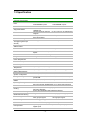
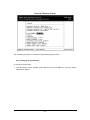
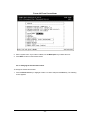
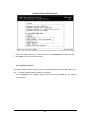
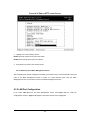
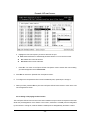
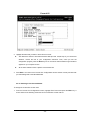
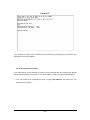
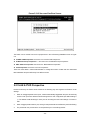
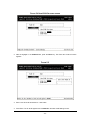
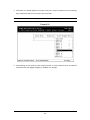
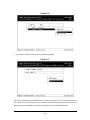
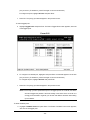
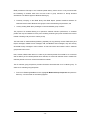
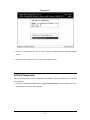
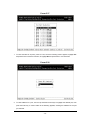
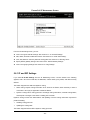
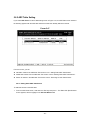
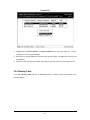
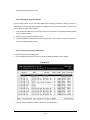
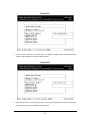
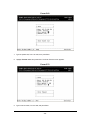
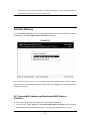
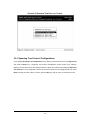
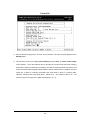
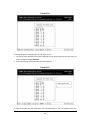
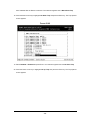
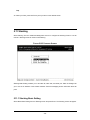
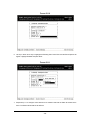
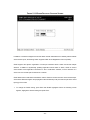
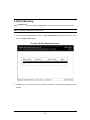
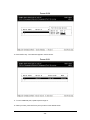
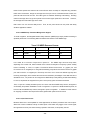
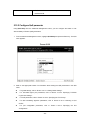
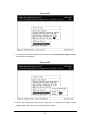
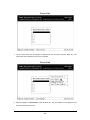
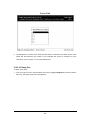
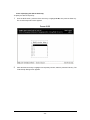
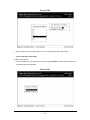
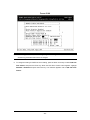
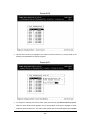
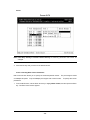
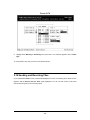
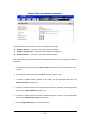
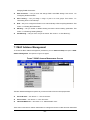
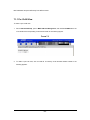
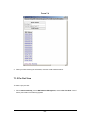
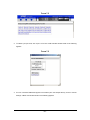
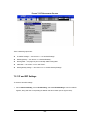
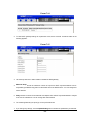
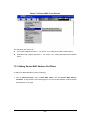
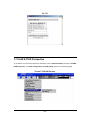
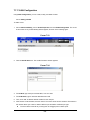
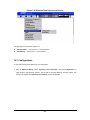
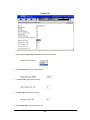
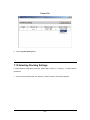
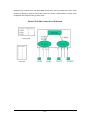
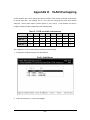
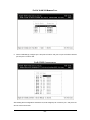
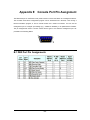
FIGURE 4-14 LAN PORT CONFIGURATIONS SCREEN
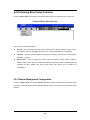
Use the procedures in the following sections to configure the LAN port configuration options for one or
more ports:
l
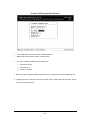
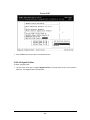
Speed & Flow Control - see Section 4.3.2.1 “Changing the Speed and Flow Control”.
l
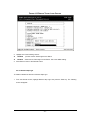
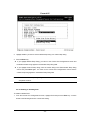
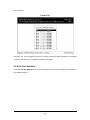
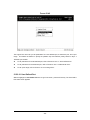
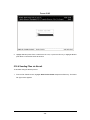
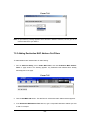
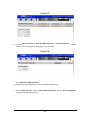
Physical Address - see Section 4.3.2.2 “Displaying a Physical Port Address”.
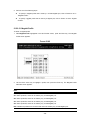
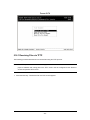
4.3.2.1 Changing the Speed and Flow Control
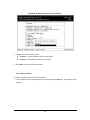
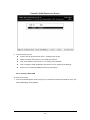
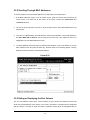
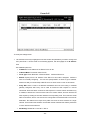
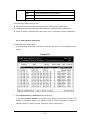
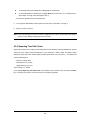
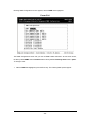
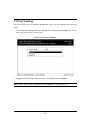
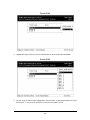
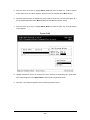
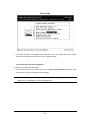
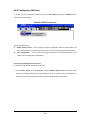
To change the line speed and flow control for one or more ports:
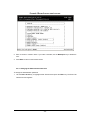
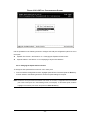
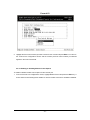
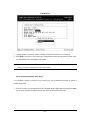
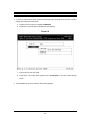
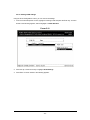
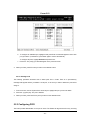
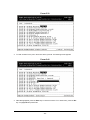
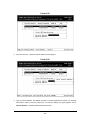
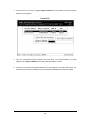
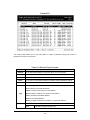
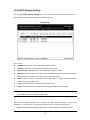
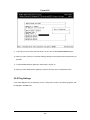
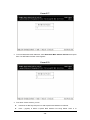
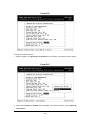
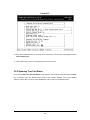
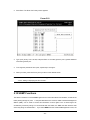
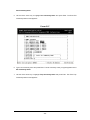
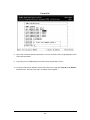
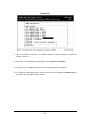
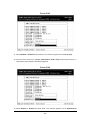
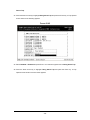
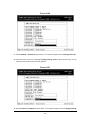
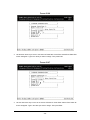
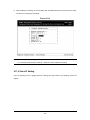
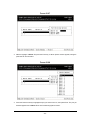
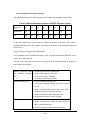
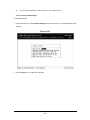
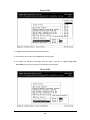
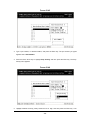
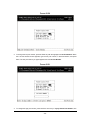
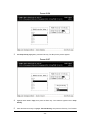
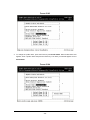
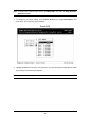
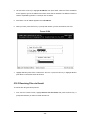
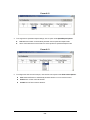
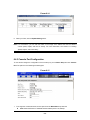
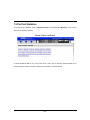
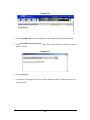
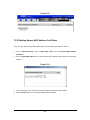
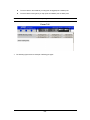
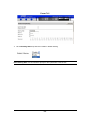
1. From the LAN Port Configurations screen, highlight Speed & Flow Control and press the Enter key.
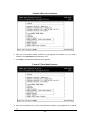
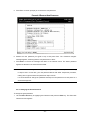
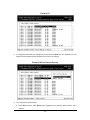
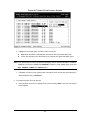
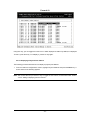
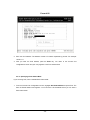
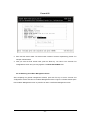
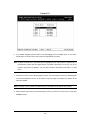
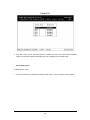
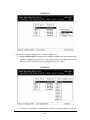
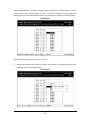
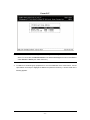
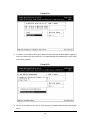
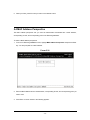
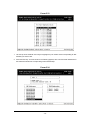
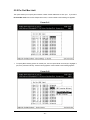
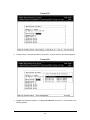
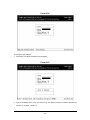
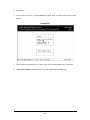
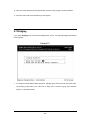
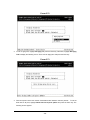
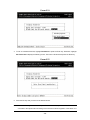
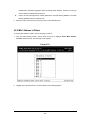
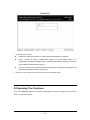
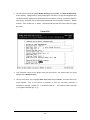
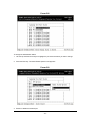
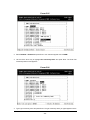
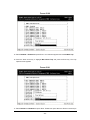
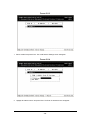
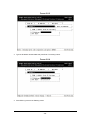
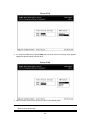
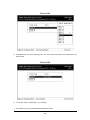
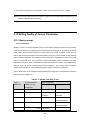
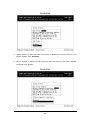
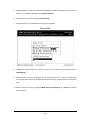
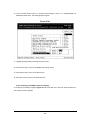
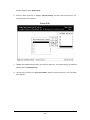
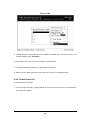
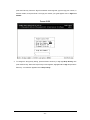
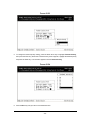
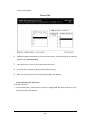
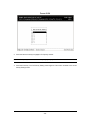
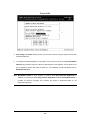
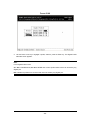
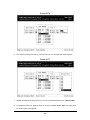
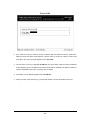
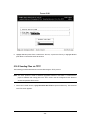
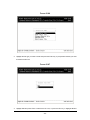
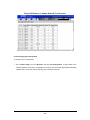
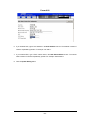
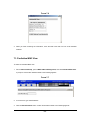
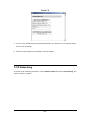
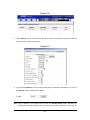
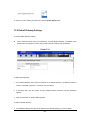
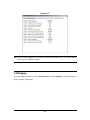
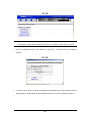
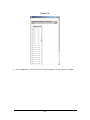
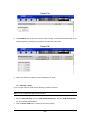
A screen similar to the following shows the current line speed settings for all ports.
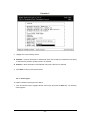
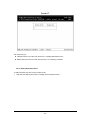
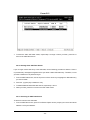
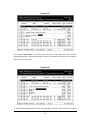
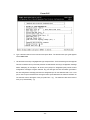
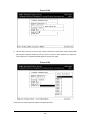
Note: If there are more ports below the bottom one shown in a screen, a v appears next to the bottom
port in the screen (Port 12 in the following screen, for example). To view these ports, scroll the
highlight to the bottom port shown and press the Down Arrow key.
- 33 -