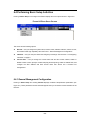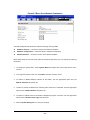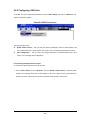
1
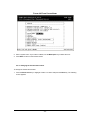
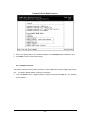
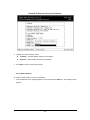
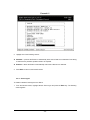
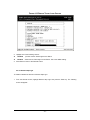
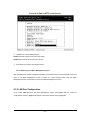
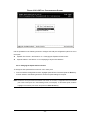
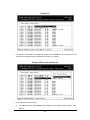
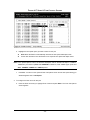
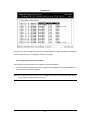
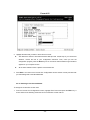
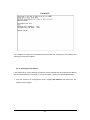
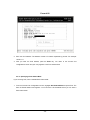
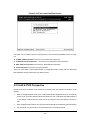
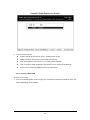
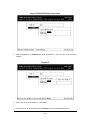
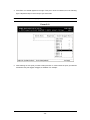
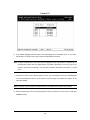
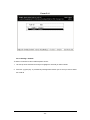
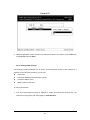
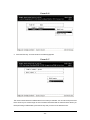
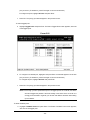
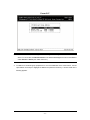
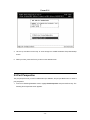
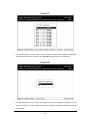
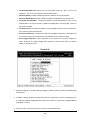
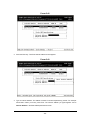
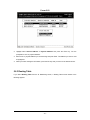
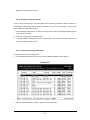
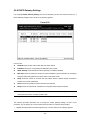
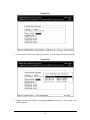
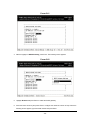
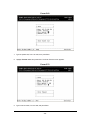
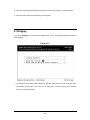
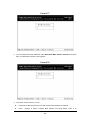
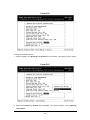
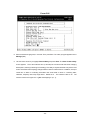
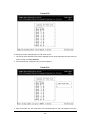
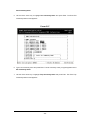
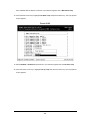
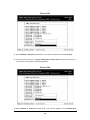
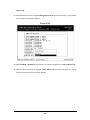
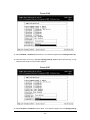
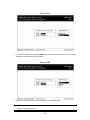
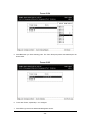
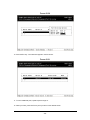
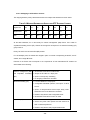
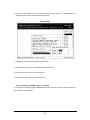
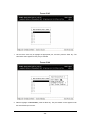
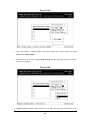
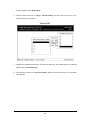
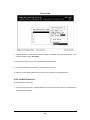
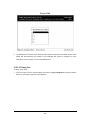
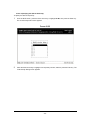
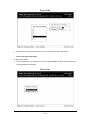
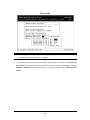
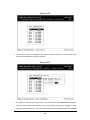
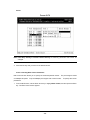
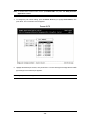
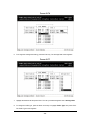
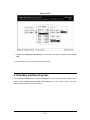
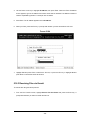
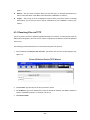
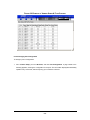
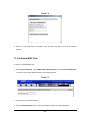
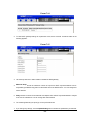
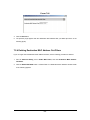
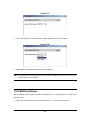
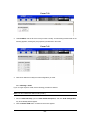
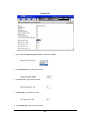
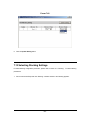
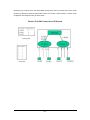
FIGURE 4-28
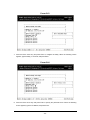
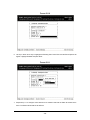
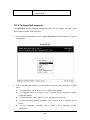
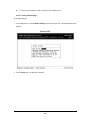
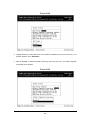
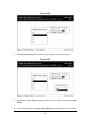
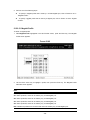
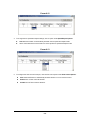
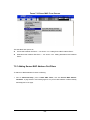
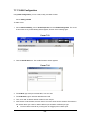
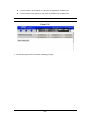
2. Enter the SLIP subnet mask. The subnet mask consists of numbers separated by periods. For
example: 255.255.255.0
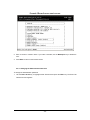
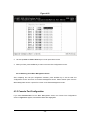
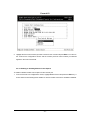
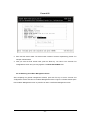
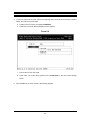
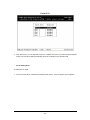
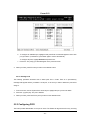
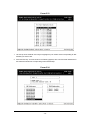
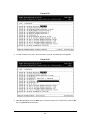
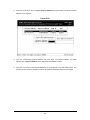
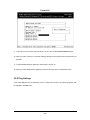
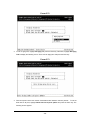
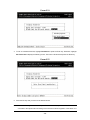
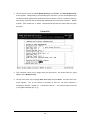
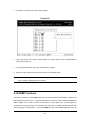
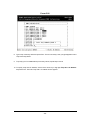
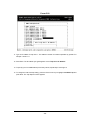
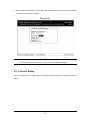
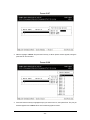
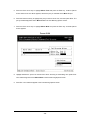
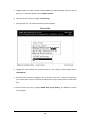
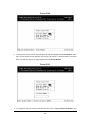
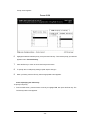
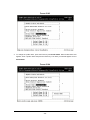
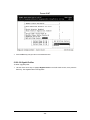
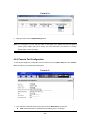
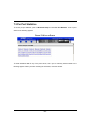
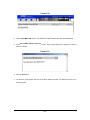
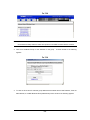
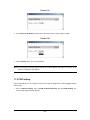
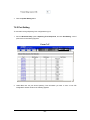
3. After you enter the SLIP subnet mask, press the Enter key. You return to the Console Port
Configurations screen and your entry appears in the SLIP Subnet Mask field.
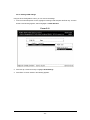
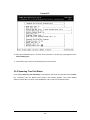
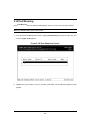
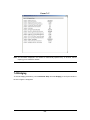
4.3.3.8 Returning to the Basic Management Screen
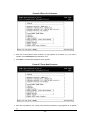
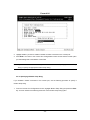
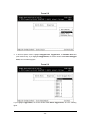
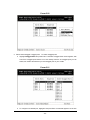
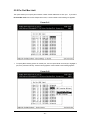
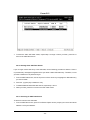
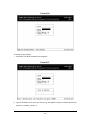
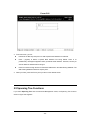
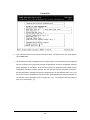
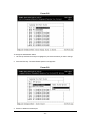
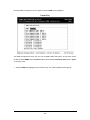
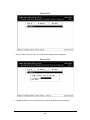
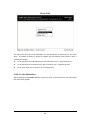
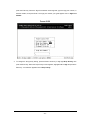
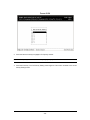
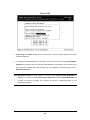
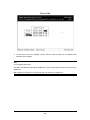
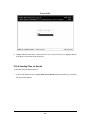
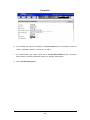
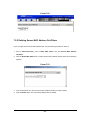
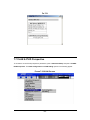
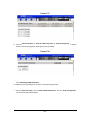
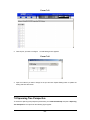
After completing the general management activities, press the Esc key to exit the Console Port
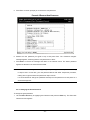
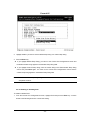
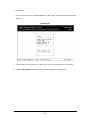
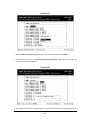
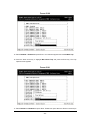
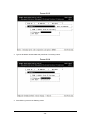
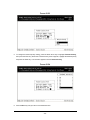
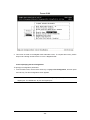
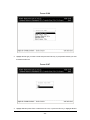
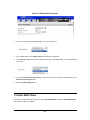
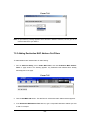
Configurations screen and return to the Basic Management screen in Figure 4-2. Select another option
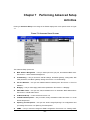
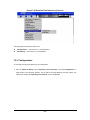
from the Basic Management screen or press Esc to return to the Switch Management screen.
- 47 -