1
Restaurant Pre-Settle
This report shows a line-by-line report of transactions and gratuity amounts for those
transactions. The transactions are grouped by Server ID, if one is specified. This report
shows those restaurant transactions waiting to be finalized or completed.
(
Note:
This report is only available when the business type of your processing
company's account is set to Restaurant.
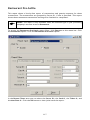
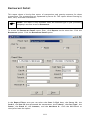
To access the Restaurant Pre-Settle report filter, click Reports on the menu bar. Click
the Restaurant option. Click the Restaurant Pre-Settle option.
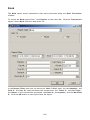
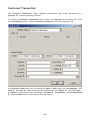
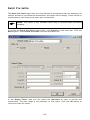
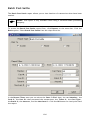
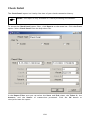
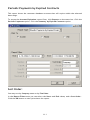
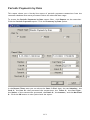
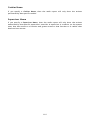
In the Report Filters area you can select the Server ID:, the Card #:, the Ticket #:, and
the Merchant #:. Click the OK button to view/print/save the report.
117