1
Software Operation
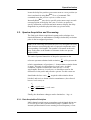
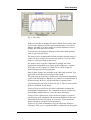
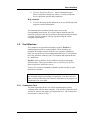
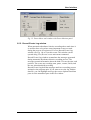
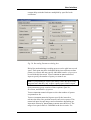
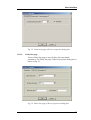
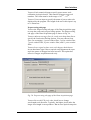
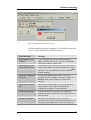
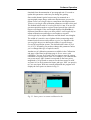
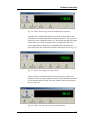
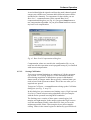
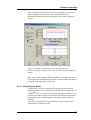
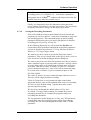
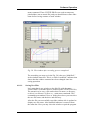
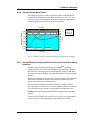
Fig. 36. Delay line moving to the maximum delay position.
Actually these commands initiate the motion of delay line to the
maximum or minimum allowable position reference. The specified
position is never reached because it is far outside the physical range
of the delay line. Thus no progress bar is displayed in this case.
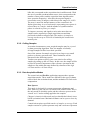
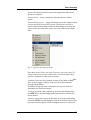
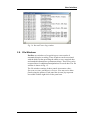
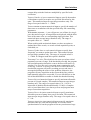
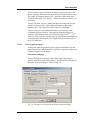
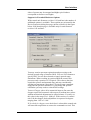
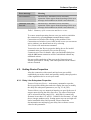
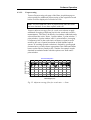
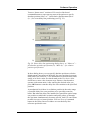
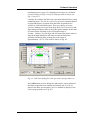
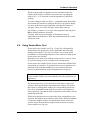
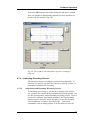
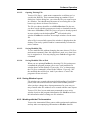
If not stopped by pressing Stop command button the delay line
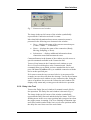
caret will reach one of the limit switches and stop at it (see Fig. 37).
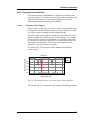
Fig. 37. Delay line stopped by limit switch.
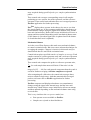
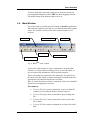
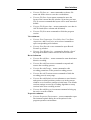
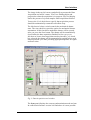
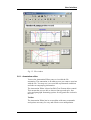
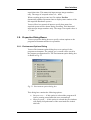
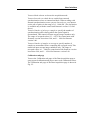
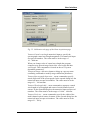
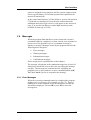
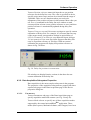
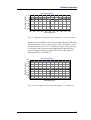
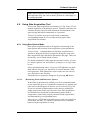
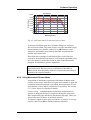
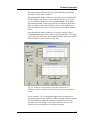
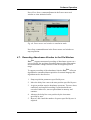
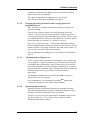
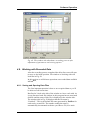
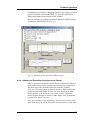
You use Home command button to return delay line to the zero
position. In this case the distance between initial and final positions
is well known and the Delay line tool window shows the progress
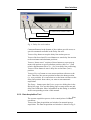
bar (see Fig. 38).
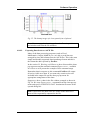
Fig. 38. Delay line moving to the specified position.
62