1
CubeSuite+ Ver.1.00.00
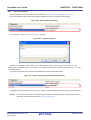
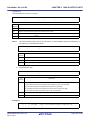
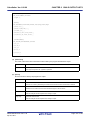
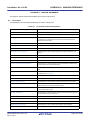
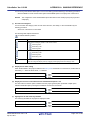
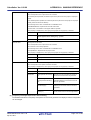
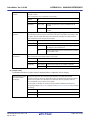
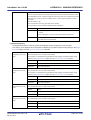
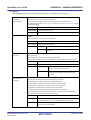
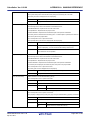
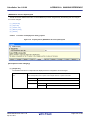
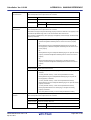
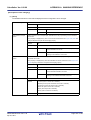
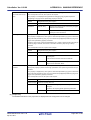
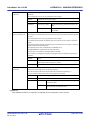
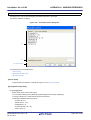
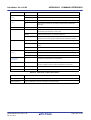
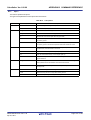
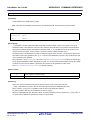
Output assemble file
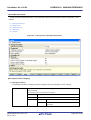
APPENDIX A WINDOW REFERENCE
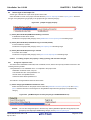
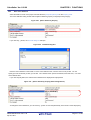
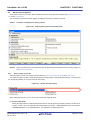
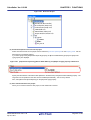
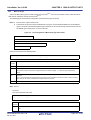
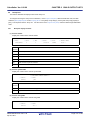
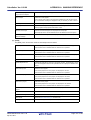
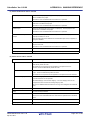
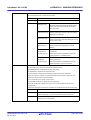
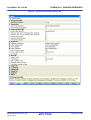
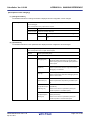
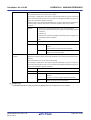
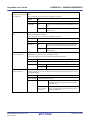
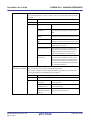
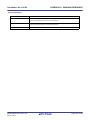
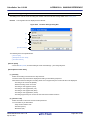
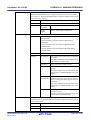
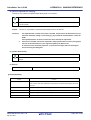
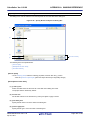
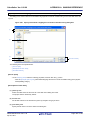
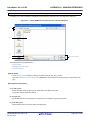
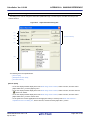
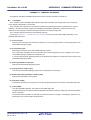
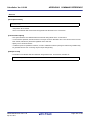
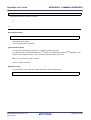
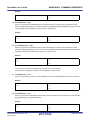
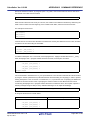
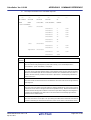
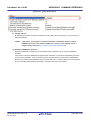
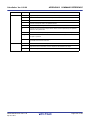
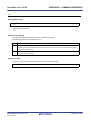
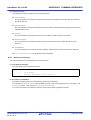
Select whether to output the assembler source file of the compile result for a C source.
This corresponds to the -Fs option of the compiler.
Output folder for assembly file
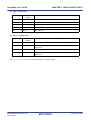
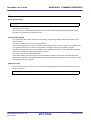
Default
Configuration of the general option
How to change
Select from the drop-down list.
Restriction
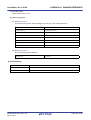
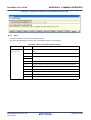
Yes(-Fs)
Outputs the assembler source file.
No
Does not output the assembler source file.
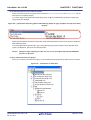
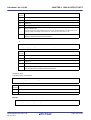
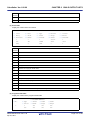
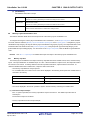
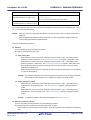
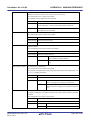
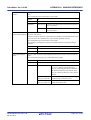
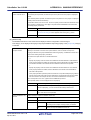
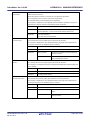
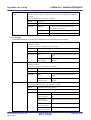
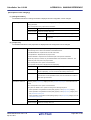
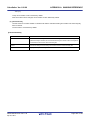
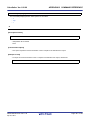
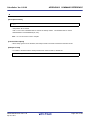
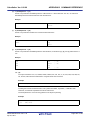
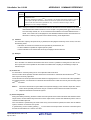
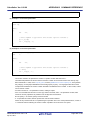
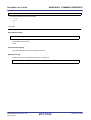
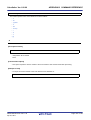
Specify the output destination folder of an assembler source file.
The assembler source file is saved under the source file name with the extension replaced by
".s".
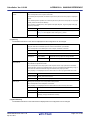
This corresponds to the -Fs option of the compiler.
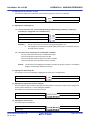
If a relative path is specified, the reference point of the path is the main project or subproject
folder.
If an absolute path is specified, the reference point of the path is the main project or subproject
folder (unless the drives are different).
The following macro name is available as an embedded macro.
%BuildModeName%: Replaces with the build mode name.
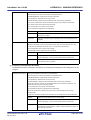
If this is blank, it is treated as if the project folder is specified.
This property is displayed only when [Yes(-Fs)] in the [Output assemble file] property is
selected.
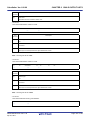
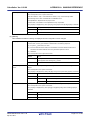
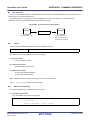
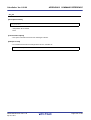
Default
Configuration of the general option
How to change
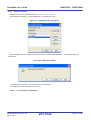
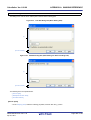
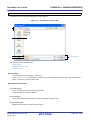
Directly enter to the text box or edit by the Browse For Folder dialog box
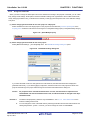
which appears when clicking the [...] button.
Restriction
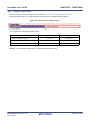
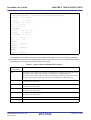
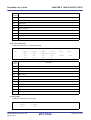
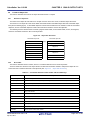
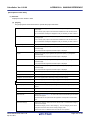
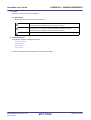
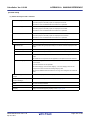
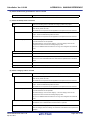
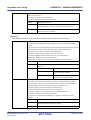
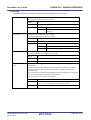
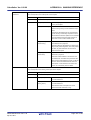
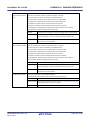
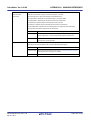
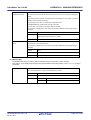
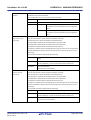
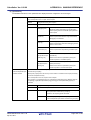
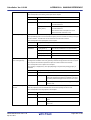
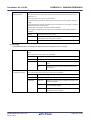
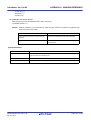
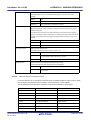
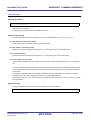
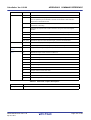
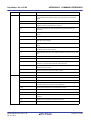
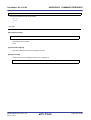
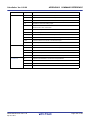
Output assemble list file
Up to 247 characters
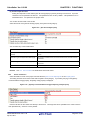
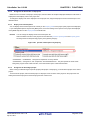
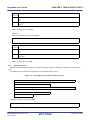
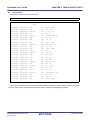
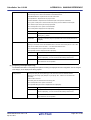
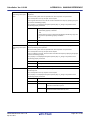
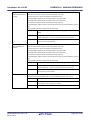
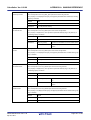
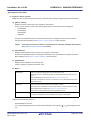
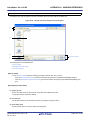
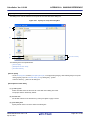
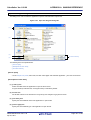
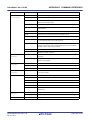
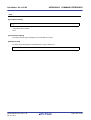
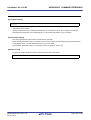
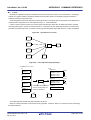
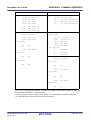
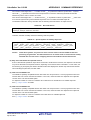
Select whether to output the assemble list of the compile result for a C source.
This corresponds to the -Fv option of the compiler.
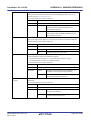
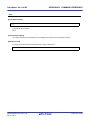
Default
Configuration of the general option
How to change
Select from the drop-down list.
Restriction
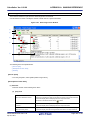
Yes(-Fv)
Outputs an assemble list.
No
Does not output an assemble list.
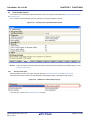
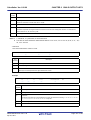
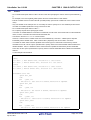
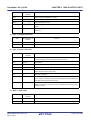
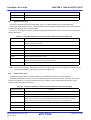
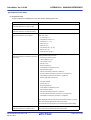
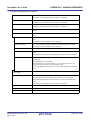
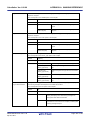
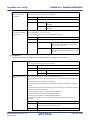
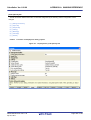
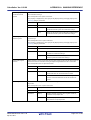
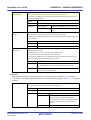
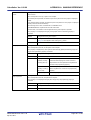
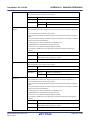
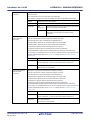
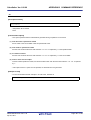
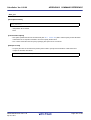
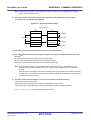
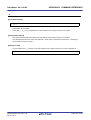
Output folder for assem-
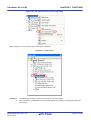
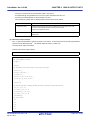
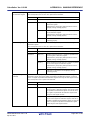
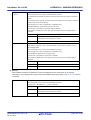
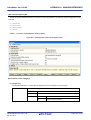
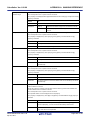
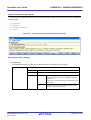
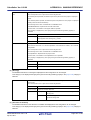
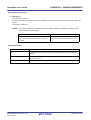
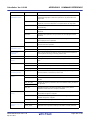
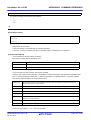
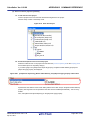
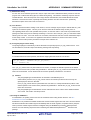
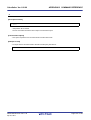
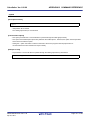
Specify the output destination folder of an assemble list.
ble list file
The assemble list is saved under the source file name with the extension replaced by ".v".
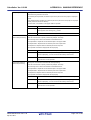
This corresponds to the -Fv option of the compiler.
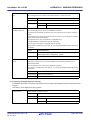
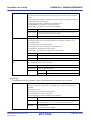
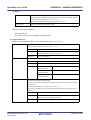
If a relative path is specified, the reference point of the path is the main project or subproject
folder.
If an absolute path is specified, the reference point of the path is the main project or subproject
folder (unless the drives are different).
The following macro name is available as an embedded macro.
%BuildModeName%: Replaces with the build mode name.
If this is blank, it is treated as if the project folder is specified.
This property is displayed only when [Yes(-Fv)] in the [Output assemble list file] property is
selected.
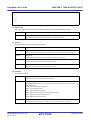
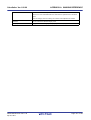
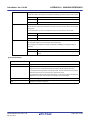
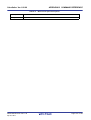
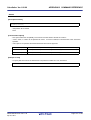
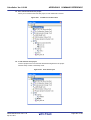
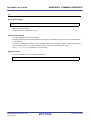
Default
Configuration of the general option
How to change
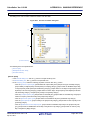
Directly enter to the text box or edit by the Browse For Folder dialog box
which appears when clicking the [...] button.
Restriction
R20UT0557EJ0100 Rev.1.00
Apr 01, 2011
Up to 247 characters
Page 261 of 782