1
CubeSuite+ Ver.1.00.00
APPENDIX A WINDOW REFERENCE
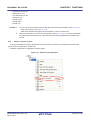
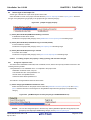
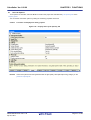
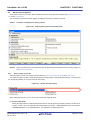
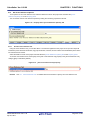
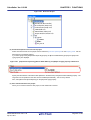
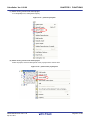
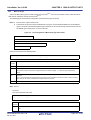
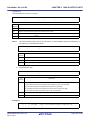
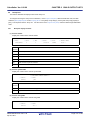
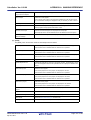
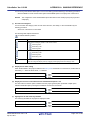
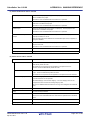
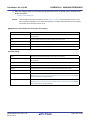
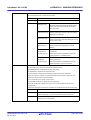
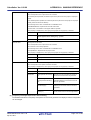
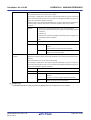
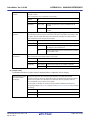
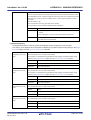
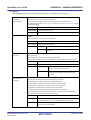
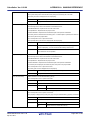
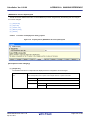
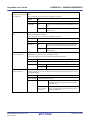
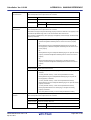
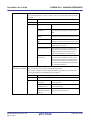
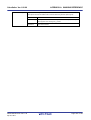
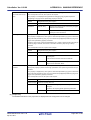
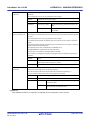
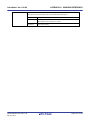
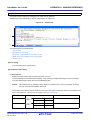
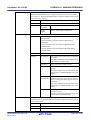
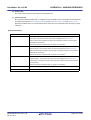
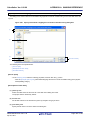
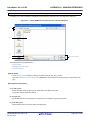
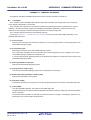
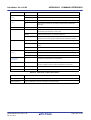
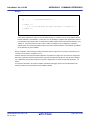
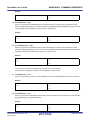
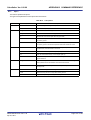
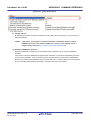
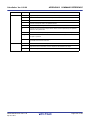
Save All Call Chains from Every
Opens the Save As dialog box for saving all call chains of all functions dis-
Root...
played in the tree display area to an output result file.
Load Stack Size Specification
Opens the Open dialog box for loading a stack size specification file.
File...
Save Stack Size Specification
Opens the Save As dialog box for saving the results of the operations made in
File...
the Adjust Stack Size dialog box (e.g. changes to function information) to a
stack size specification file.
Exit sk850
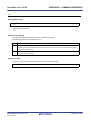
Remark
Closes this window.
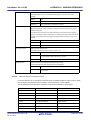
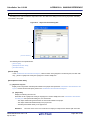
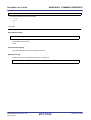
The output result file can only be saved in text format (*.txt) or CSV format (*.csv).
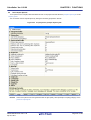
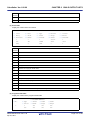
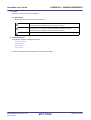
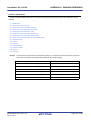
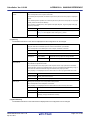
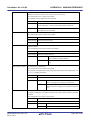
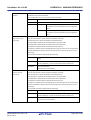
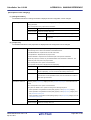
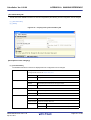
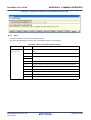
(b) [View] menu
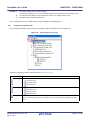
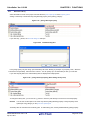
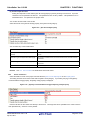
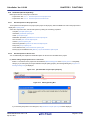
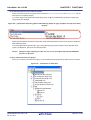
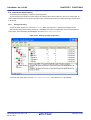
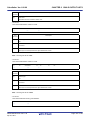
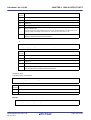
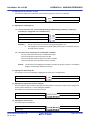
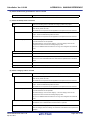
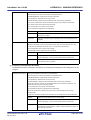
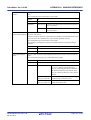
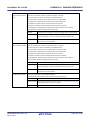
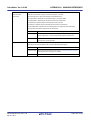
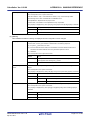
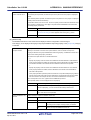
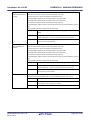
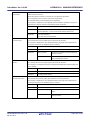
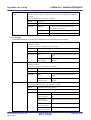
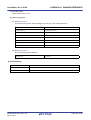
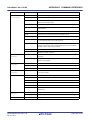
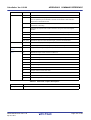
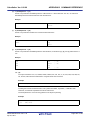
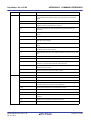
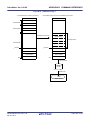
Recalculate Stack Size
Recalculates the total stack size.
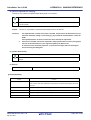
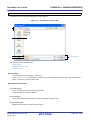
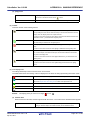
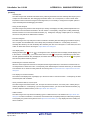
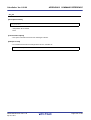
Functions in the same manner as the
Stop
button.
Forcibly stop the action of the stack usage tracer (e.g. recalculating the total
stack size).
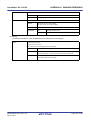
Functions in the same manner as the
Sort List by
button.
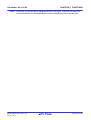
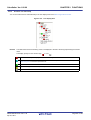
Changes the function display order in the list display area.
Function Name
Sort by function name.
Icon Type
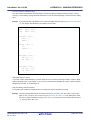
Sort by icon display priority (High:
Stack Size
Sort by total stack size.
Frame Size
Sort by frame size.
Additional Margin
Sort by additional margin.
File Name
Sort by file name.
to Low:
).
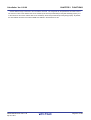
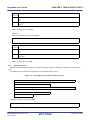
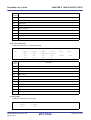
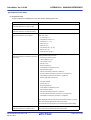
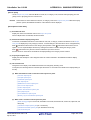
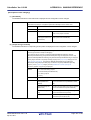
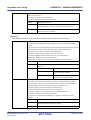
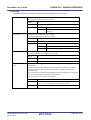
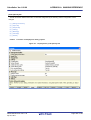
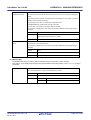
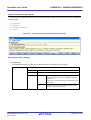
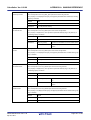
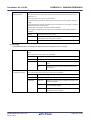
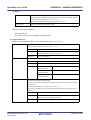
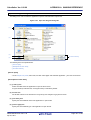
(c) [Option] menu
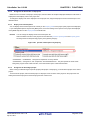
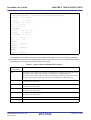
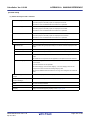
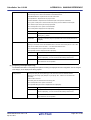
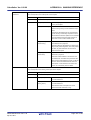
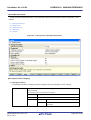
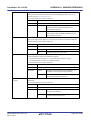
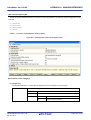
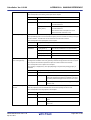
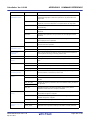
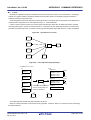
Stack Size Unknown / Adjusted
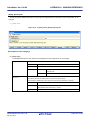
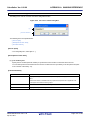
Opens the Stack Size Unknown / Adjusted Function Lists dialog box to display
Function Lists...
a list of functions with unknown frame size, functions for which information
(additional margin, recursion depth, or callee functions) has been modified, and
functions for which the stack usage tracer has forcibly set an additional margin.
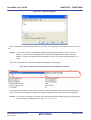
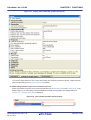
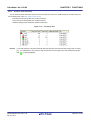
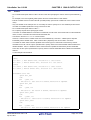
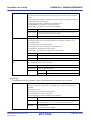
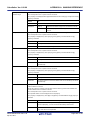
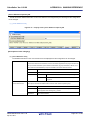
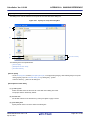
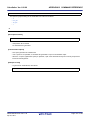
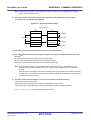
Adjust Stack Size...
Opens the Adjust Stack Size dialog box to change the information (additional
margin, recursion depth, and callee functions) for the function selected in the
tree display area / list display area.
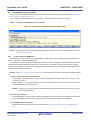
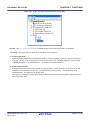
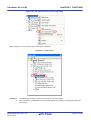
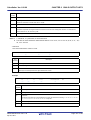
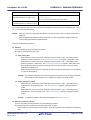
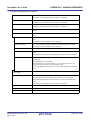
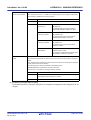
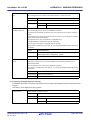
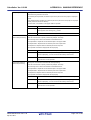
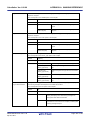
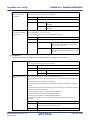
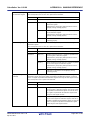
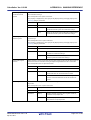
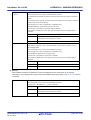
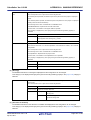
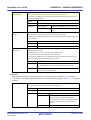
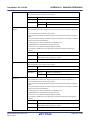
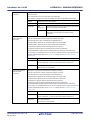
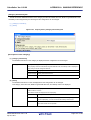
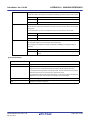
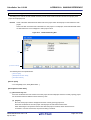
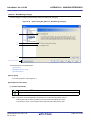
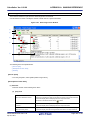
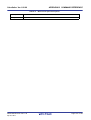
This dialog box is used to change the information (additional margin, recursion
depth, and callee functions) for the selected function.
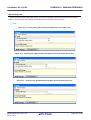
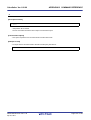
Functions in the same manner as the
Reset Function
button.
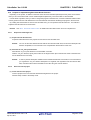
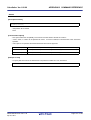
Resets the information (additional margin, recursion depth, and callee functions) for the selected function to the default values.
This button will be grayed out if all the information for the selected function has
the default values.
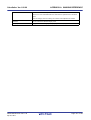
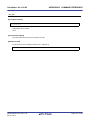
Reset All Functions
Resets the information (additional margin, recursion depth, and callee functions) for all functions to the default values.
This button will be grayed out if all the information for all functions has the
default values.
R20UT0557EJ0100 Rev.1.00
Apr 01, 2011
Page 340 of 782