1
Chapter 3
Operation
This chapter describes the front panel display screens, front panel
pushbuttons, and menu-driven firmware. For details, see the following
topics:
Display
Thermo Fisher Scientific
●
“Display” on page 3-1
●
“Pushbuttons” on page 3-2
●
“Firmware Overview” on page 3-4
●
“Range Menu” on page 3-8
●
“Averaging Time” on page 3-11
●
“Calibration Factors Menu” on page 3-12
●
“Calibration Menu” on page 3-14
●
“Instrument Controls Menu” on page 3-19
●
“Diagnostics Menu” on page 3-52
●
“Alarms Menu” on page 3-59
●
“Service Menu” on page 3-70
●
“Password Menu” on page 3-79
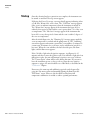
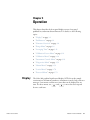
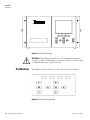
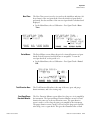
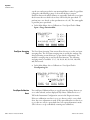
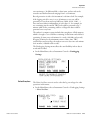
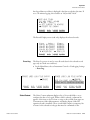
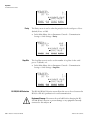
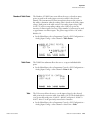
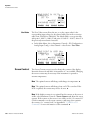
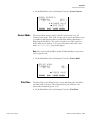
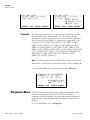
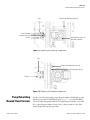
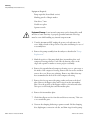
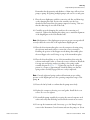
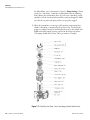
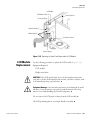
The 320 x 240 graphics liquid-crystal display (LCD) shows the sample
concentrations, instrument parameters, instrument controls, help, and error
messages. Some menus contain more items than can be displayed at one
and
to move the cursor up and
time. For these menus, use
down to each item.
Model 51i Instruction Manual
3-1