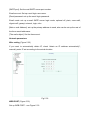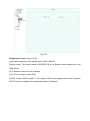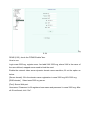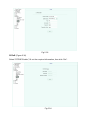
1
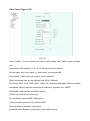
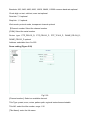
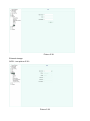
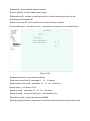
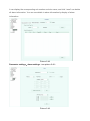
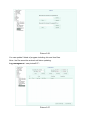
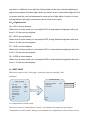
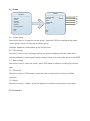
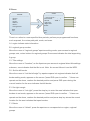
CRUISE
------------------------------------------Cruise Number
:1
Title Set
:Cruise1
Start
<Cruise Set>
Delete
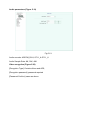
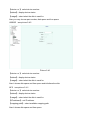
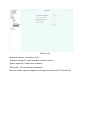
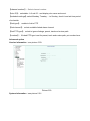
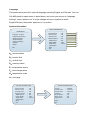
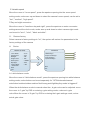
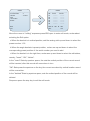
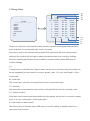
CRUISE
------------------------------------------NO Preset
Interval
01
----------------02
----------------03
----------------04
----------------05
----------------06
-----------------
Back
Exit
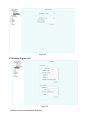
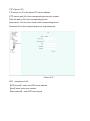
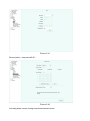
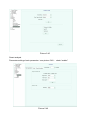
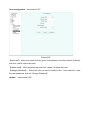
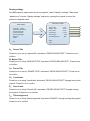
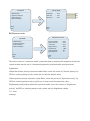
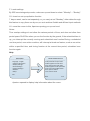
EDIT 01 001 01 INS
Back
Exit
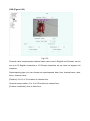
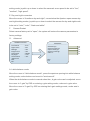
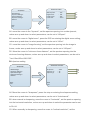
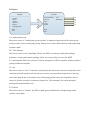
Move the cursor to "editing" sequence press IRIS open to enter edit mode, rocker about
selecting the Edit option.
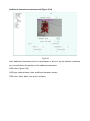
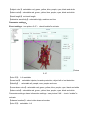
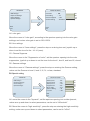
a.When the bracket is in ordinal position, add the analog stick up and down to select the
preset number 1-32.
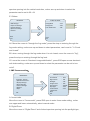
b.When the angle brackets is preset position, rocker arm up and down to select the
corresponding preset position of the serial number you need to add.
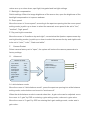
c.When the bracket is in the right time, rocker arm up and down to select the edit status,
namely, "insert", "OK", "delete".
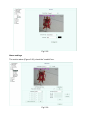
In the "insert" State by aperture space, the sets the ordinal position of the current record
will be inserted, after this record will move down in turn.
"OK" State press the aperture on the key, the current record set by ordinal location record
will be overwritten.
In the "deleted" State by aperture space, sets the ordinal position of the record will be
deleted.
Sequence press the stop key to exit the edit mode.