1
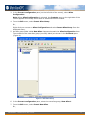
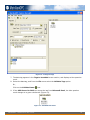
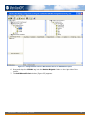
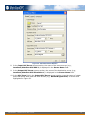
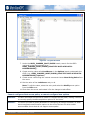
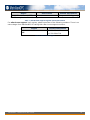
Figure 26 - Completed Shared Point Configuration
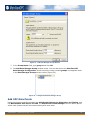
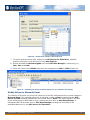
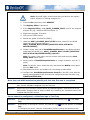
11. Click on the Options tab.
12. In the Direction screen section, select the Bidirectional option (Figure 27).
Note: When the shared point configuration is set to Bidirectional, data values are allowed
to be written and read from both source and destination OPC servers.
MatrikonOPC – Introduction to OPC Tutorial
28