1
Features of the Projector
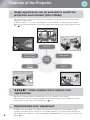
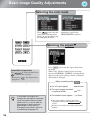
Image appearance can be selected to match the
projection environment (Color Mode)
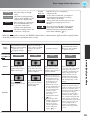
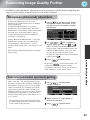
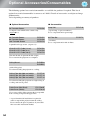
The optimum images for the location can be projected simply by selecting the desired color mode from the
following seven preset modes.
If "Natural", "Theatre", "x.v.Color", "Theatre Black 1" or "Theatre Black 2" is selected, the Epson Cinema
Filter effect is applied automatically to increase the contrast and to make skin tones appear with more natural
tints.
p.18
Dynamic
Theatre Black1
Theatre Black2
Living Room
Color
Mode
Theatre
Natural
"
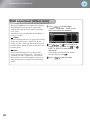
" mode realizes more natural color
reproduction
This mode is compatible with the extended-gamut color space standard for video (xvYCC).
Extended-gamut color images output by equipment supporting this standard are more faithful to the original,
and the viewer can enjoy clearer, more natural images.
p.18
Sophisticated color adjustment
4
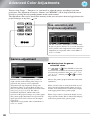
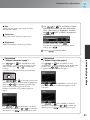
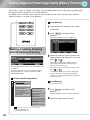
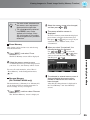
In addition to the "Color Mode", the absolute color temperature and skin tones can be adjusted by simple
procedures to render the picture even more to your own liking. Further, you can adjust gamma, the offset and
gain for RGB colors, and the hue, saturation, and brightness of RGBCMY colors, to create colors that match the
image.
p.20